213
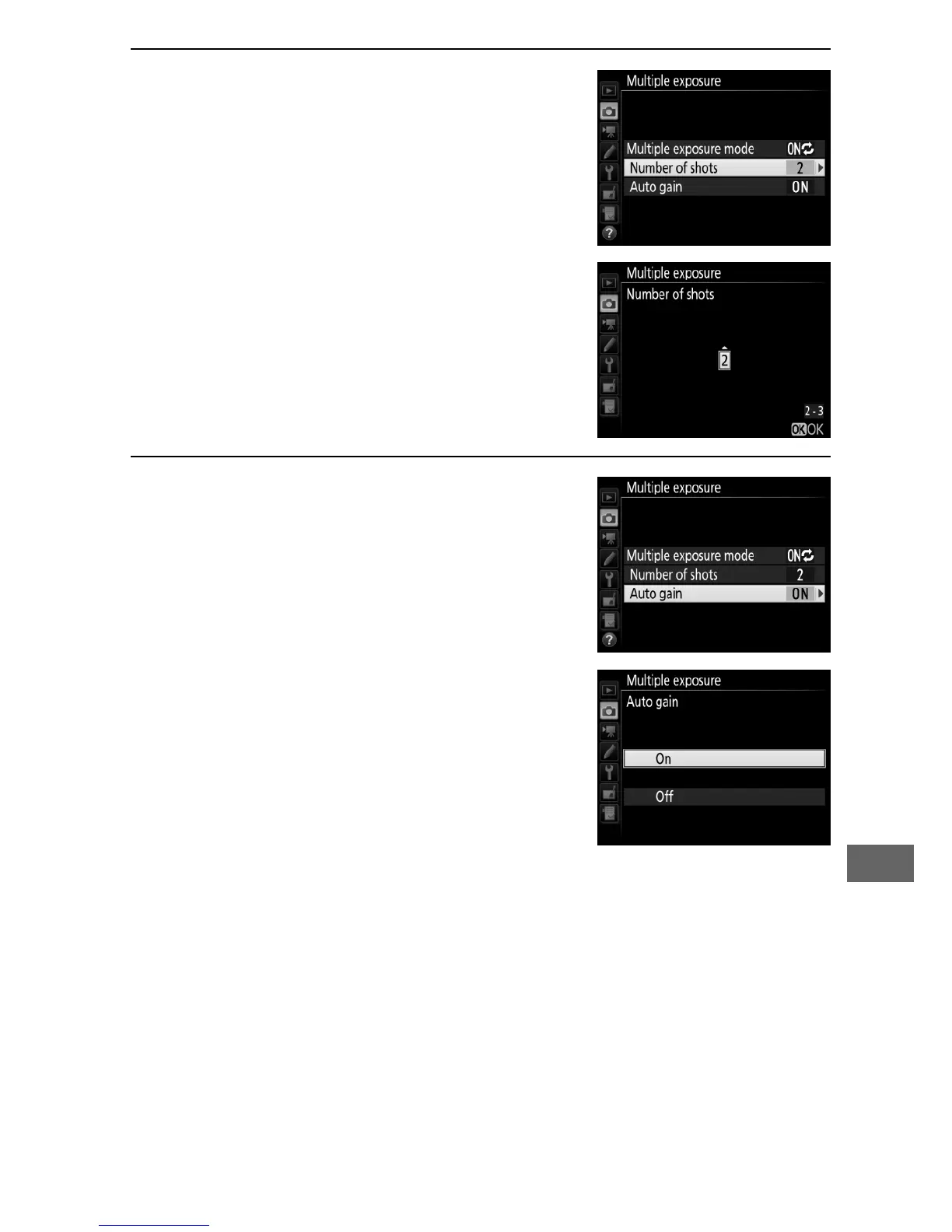
3 Choose the number of shots.
Highlight Number of shots and press
2.
Press 1 or 3 to choose the number of
exposures that will be combined to
form a single photograph and press
J.
4 Choose the amount of gain.
Highlight Auto gain and press 2.
The following options will be
displayed.
Highlight an option and
press J.
• On: Gain is adjusted according to
number of exposures actually
recorded (gain for each exposure is
set to
1
/
2 for 2 exposures,
1
/
3 for 3
exposures).
• Off: Gain is not adjusted when recording multiple exposure.



 To Next Page