219
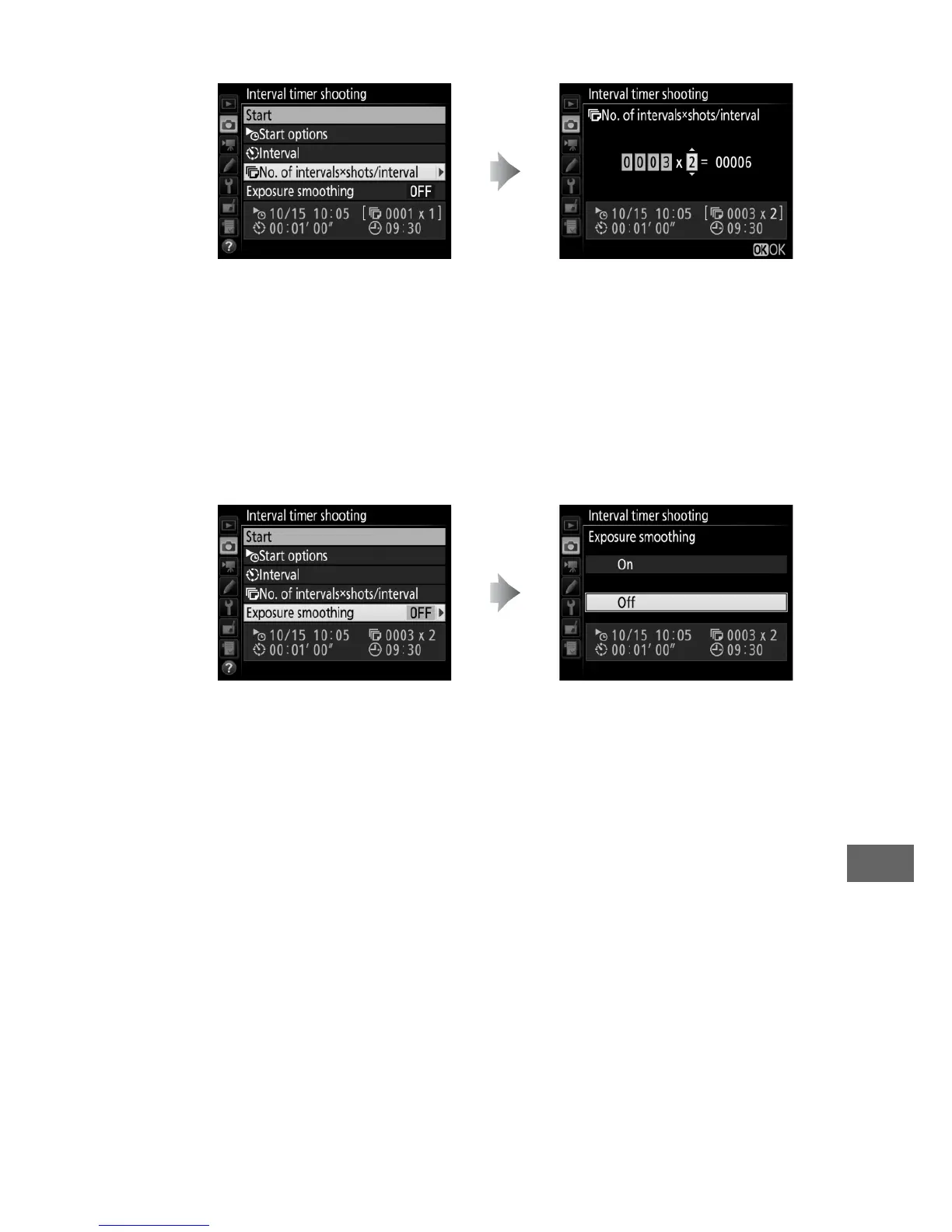
• To choose the number of shots per interval:
In S (single frame) mode, the photographs for each interval
will be taken at the rate chosen for Custom Setting d2
(Continuous low-speed, 0 280).
• To enable or disable exposure smoothing:
Selecting On allows the camera to adjust exposure to match
previous shot in modes other than M (note that exposure
smoothing only takes effect in mode M if auto ISO sensitivity
control is on).
Highlight No. of intervals ×
shots/interval and press 2.
Choose the number of intervals
and the number of shots per
interval and press J.
Highlight Exposure
smoothing and press 2.
Highlight an option and
press J.



 To Next Page