63
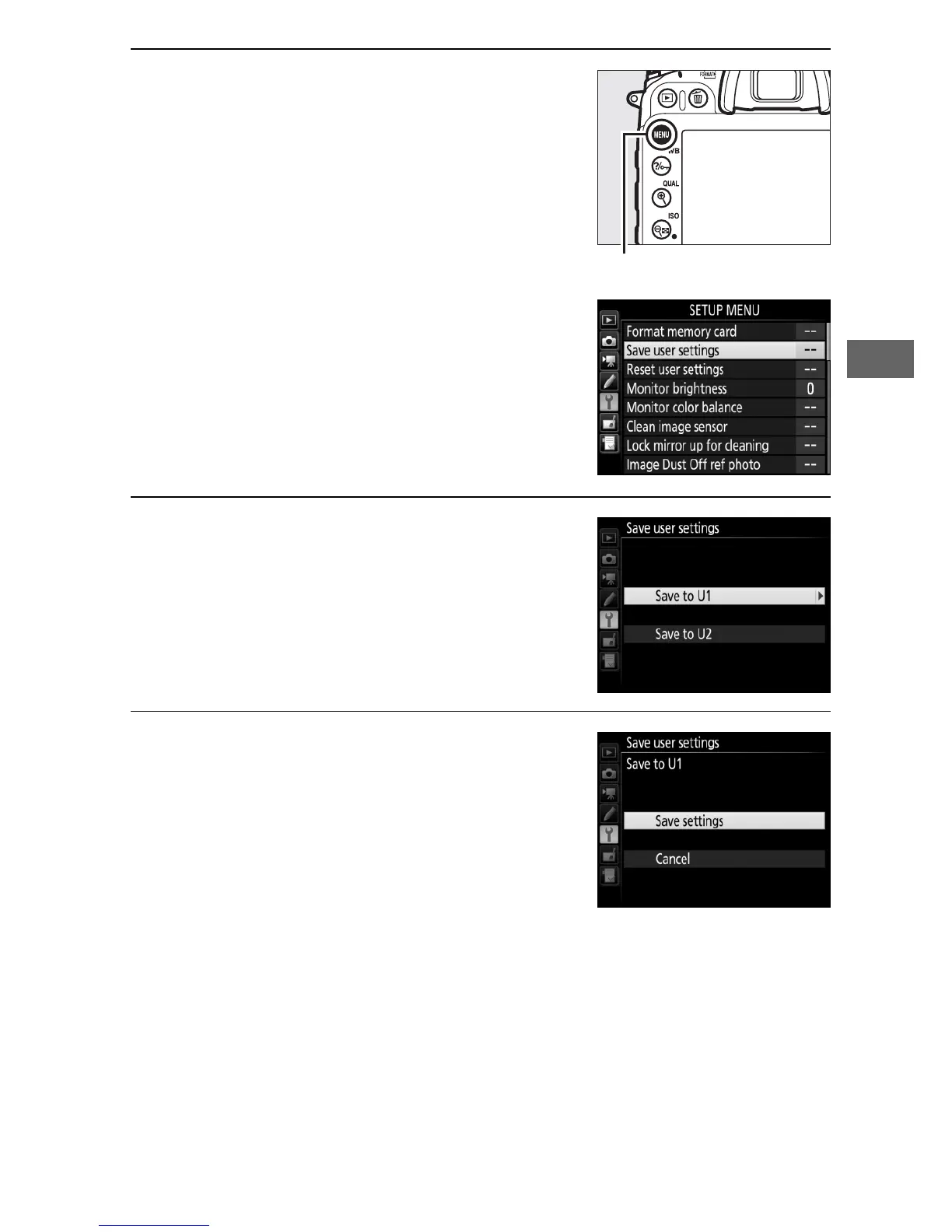
3 Select Save user settings.
Press the G button to display the
menus.
Highlight Save user settings
in the setup menu and press 2.
4 Select Save to U1 or Save to U2.
Highlight Save to U1 or Save to U2
and press 2.
5 Save user settings.
Highlight Save settings and press J
to assign the settings selected in
Steps 1 and 2 to the mode dial
position selected in Step 4.



 To Next Page