www.nordsonefd.com info@nordsonefd.com 800-556-3484 Sales and service of Nordson EFD dispensing systems are available worldwide.
EV Series Automated Dispensing Systems
88
# Click Step Reference Image
11
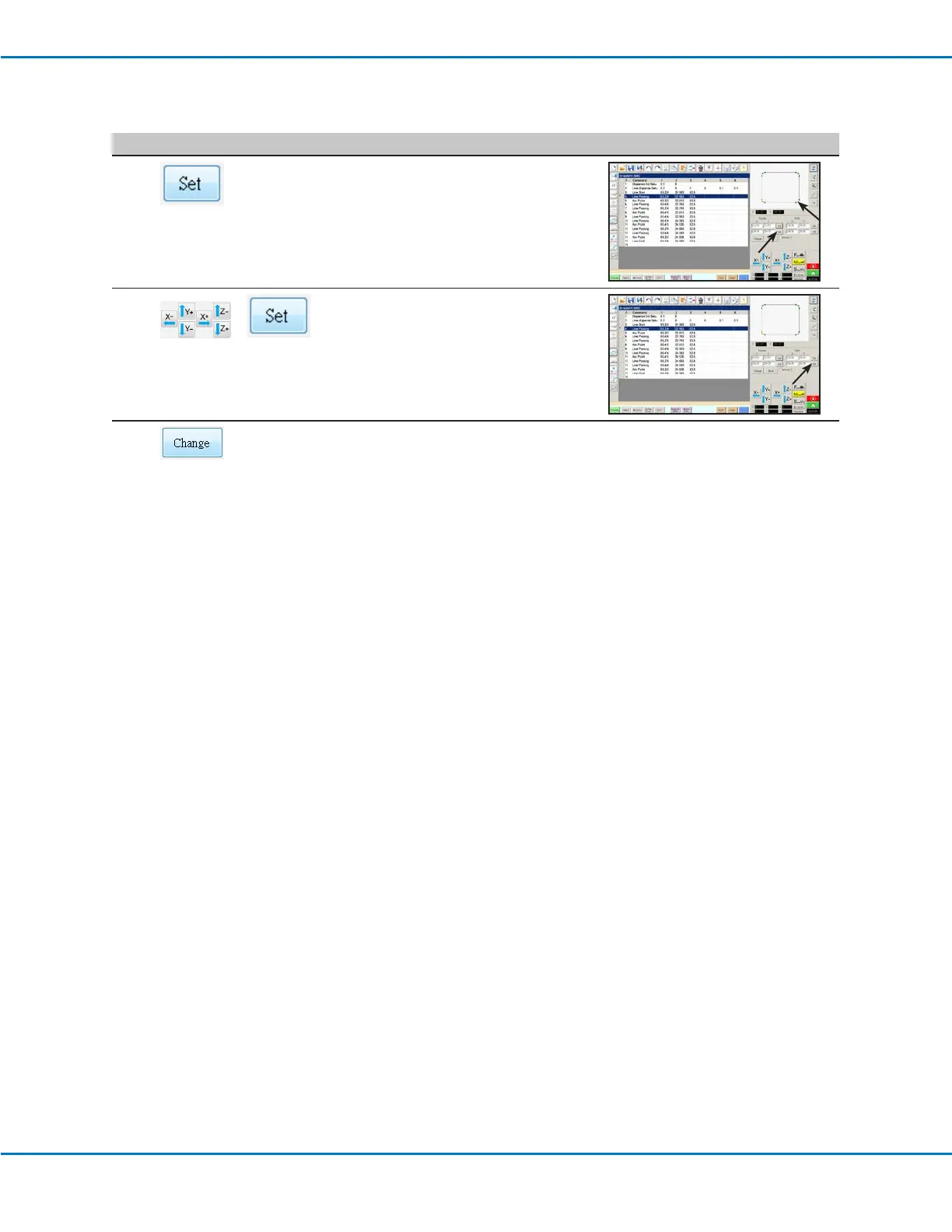
• Click on a point at the far right side
of the points shown in the Secondary
View screen, then click the bottom SET
button under Program.
12
>
• Jog the tip to the same point on the
actual workpiece and then click the
bottom SET button under Table.
13
• Click CHANGE.
The system updates all XY locations in
the program so they align with same XY
locations on the actual workpiece.
Importing a DXF File (continued)



 To Next Page