Filling Fields
8 Filling a Form
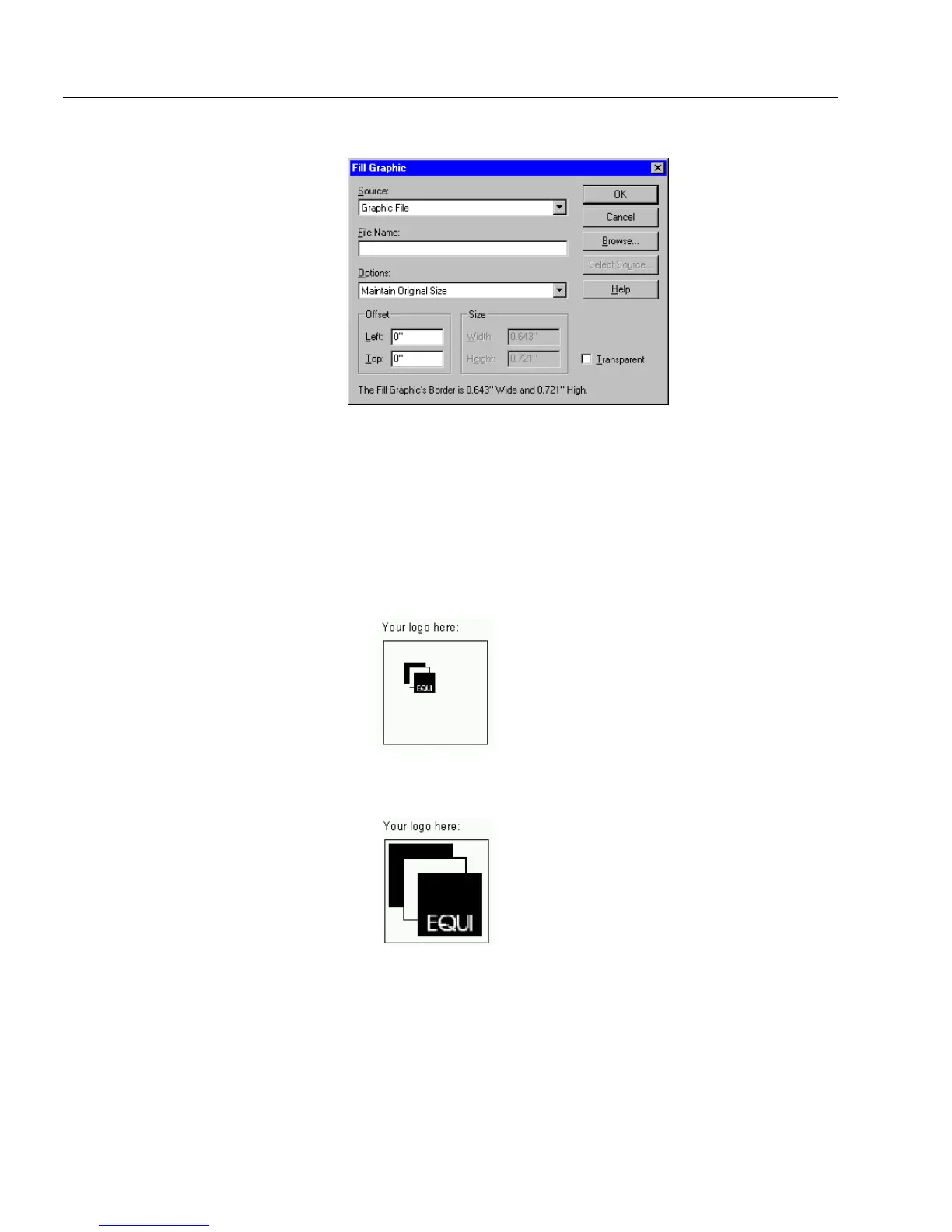
2Select
Graphic File
in the
Source
drop-down list.
3 Enter a file name in the
File Name
text box.
Or, click
Browse
to locate a file; select a file, and click
OK
to
return to the Fill Graphic dialog box.
The file name appears in the
File Name
text box.
4 Select an option in the
Options
drop-down list.
•Select
Maintain Original Size
to import the graphic without
changes.
•Select
Scale Proportionally
to fit the graphic in the fill graphic
field while maintaining its exact proportions.



 To Next Page