DOC-00500 Rev. F 7–41
Eden500V/350V/350 User Guide
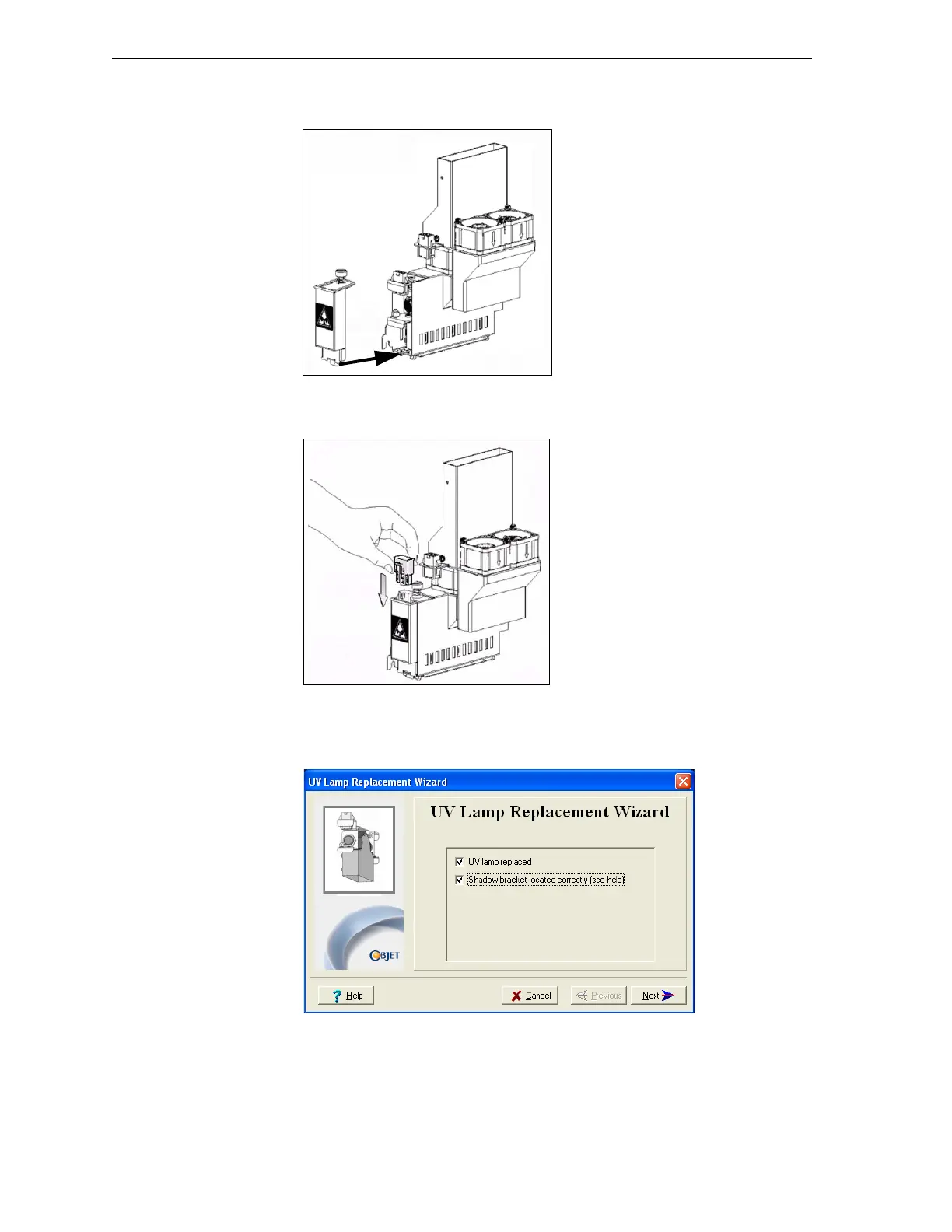
13. Replacethelampcoverbyinsertingitintotheslotonthebottomofthe
housing,andtightenthesecuringscrewontop.
Figure 7-67: Replacing the lamp cover
14. ReconnectthepowerconnectiontotheUVlamp.
Figure 7-68: Connecting power to the UV lamp
15. Inthewizardscreen,confirmthatyouhavereplacedthelamp(s)and
attachedtheblackstrip,thenclick
Next.
Figure 7-69: Installation confirmation screen



 To Next Page