DOC-00500 Rev. F 7–9
Eden500V/350V/350 User Guide
3. Iftheprintercoverisnotclosed,ascreenappears,instructingyouto
closethecover.Confirmthatitisclosedandclick
Next.
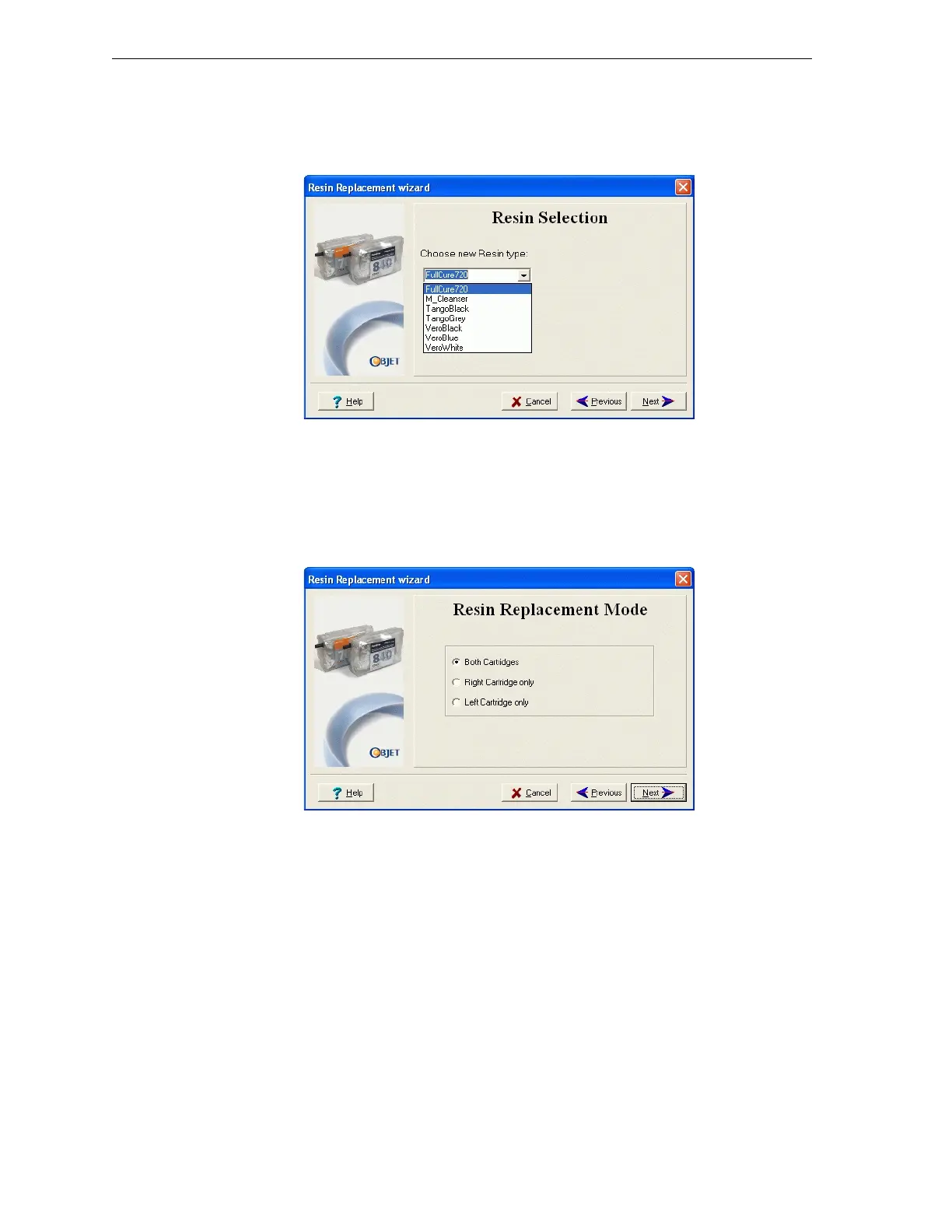
4. Fromthedrop‐downmenu,choosethetypeofmodelmaterial(resin)
youwanttoinstall,andclickNext.
Figure 7-10: Resin Selection screen
Note: This selection automatically affects the default material setting in
Objet Studio.
5. ForEden500VandEden350Vprintersonly—
Selectanoptionforchangingtheresintypeforeithermodelcartridge
orforbothcartridges,andclick
Next.
Figure 7-11: Cartridge-replacement options screen



 To Next Page