149
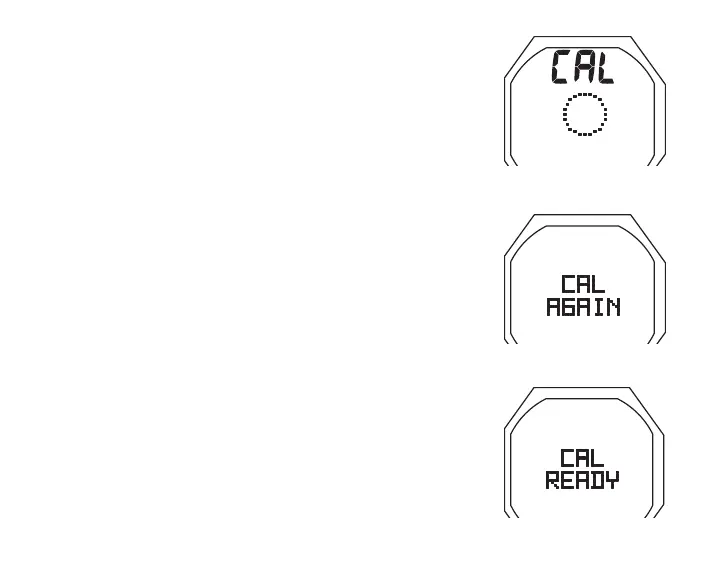
CAL Progress**, information includes (Fig. 147) -
> Graphic CAL
> dotted circle, increasing from 0 to 360° as it is rotated
**Rotation should take about 30 seconds. If not fully rotated
in 60 seconds, operation will revert to the Menu.
CAL Complete, information includes (Fig. 148A/B) -
> Graphic CAL
> Graphic READY or AGAIN, flashing for 3 seconds
* READY, means it passed, in which case Calibration is
complete and operation reverts to the OP Main.
* AGAIN, means it failed**, in which case the CAL ROTATE
screen will be displayed. Press S (< 2 sec) to repeat the
rotation.
**If Calibration fails after 3 attempts, operation will revert to
the Watch or Surface Main from which it was accessed.
If you then continue operation, the previous successful
Calibration will remain in effect.
Fig.147-CALPROGRESS
Fig.148A-CALFAILED
Fig.148B-CALPASSED



 To Next Page