61
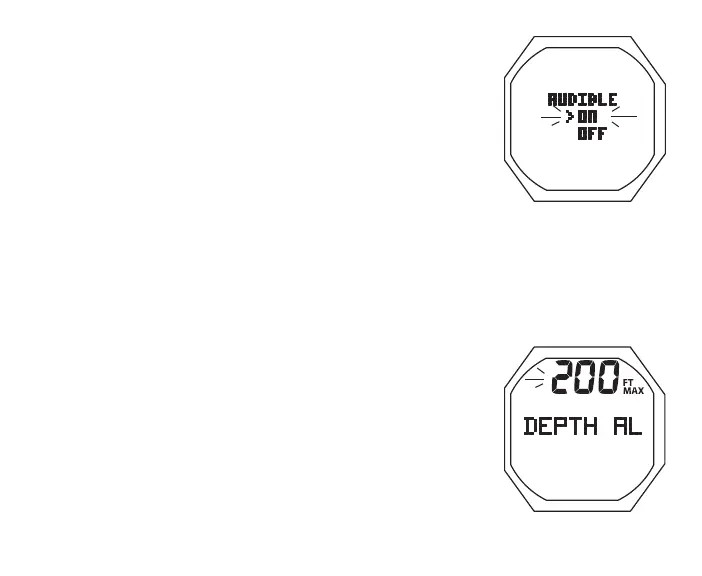
Fig.40-SETAUDIBLEAL
Set Audible Alarm, information includes (Fig. 40):
> Graphic AUDIBLE
> Set Point graphics ON and OFF; Arrow ( > ) icon next to
the one previously saved flashing
• A (< 2 sec) to toggle Set Points
• S (< 2 sec) to save the setting and revert to the Set A Menu
Set Depth Alarm, information includes (Fig. 41):
> Graphic DEPTH AL
> Graphic OFF flashing, or Depth value flashing with MAX
and FT (or M) icons
• A (hold) to scroll upward through Set Points at a rate of 8
per second from 30 to 330 FT (10 to 100 M) in increments
of 10 FT (1 M)
• A (< 2 sec) to step upward through Set Points one at a time
• M (< 2 sec) to step back through Set Points one at a time
• S (< 2 sec) to save the setting and revert to the Set A Menu
There is a separate alarm associated with exceeding the MOD
(max operating depth) which is a violation described later.
Also, FREE mode has separate Depth Alarms that are not af-
fected by this setting.
Fig.41-SETDEPTHAL



 To Next Page