66
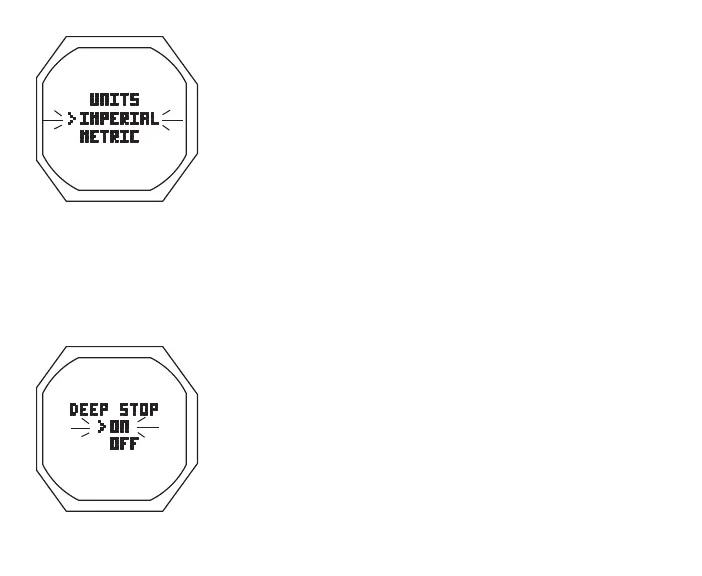
> Graphic UNITS
> Set Point graphics IMPERIAL and METRIC; Arrow ( > ) icon
next to the one previously saved flashing
• A (< 2 sec) to toggle Set Points
• S (< 2 sec) to save the setting and revert to the Set U Menu
Set Deep Stop, information includes (Fig. 50):
> Graphic DEEP STOP
> Set Point graphics ON and OFF; Arrow ( > ) icon next to
the one previously saved flashing
• A (< 2 sec) to toggle Set Points
• S (< 2 sec) to save the setting and revert to the Set U Menu
Deep Stop, which applies only to NORM No Deco dives, is
described on page 85.
Set Safety Stop, information includes (Fig. 51A):
> Stop Time Set Point graphics OFF, 3 MIN, and 5 MIN;
Fig.49-SETUNITS
Fig.50-SETDEEPSTOP



 To Next Page