50
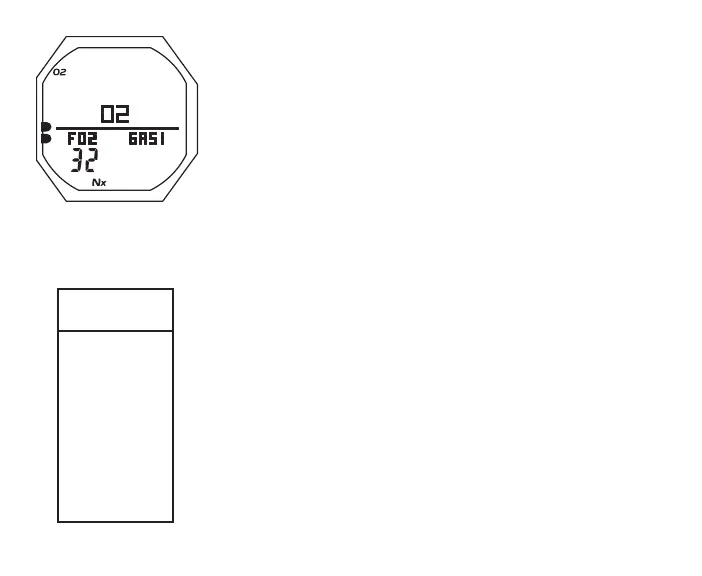
> Graphic O2
> Graphics FO2 and GAS 1 with FO2 Set Point
> Nx icon
> O2BG with O2 icon, current O2
• 5 sec or A < 2 sec, revert to Main
• L (on closure) to activate Backlight
NORM MENU
M (< 2 sec) - to access Menu, while viewing Surface Main
A (< 2 sec) - to step down (forward) through selections
M (< 2 sec) - to step up (backward) through selections
S (< 2 sec) - to access selection indicated by Arrow icon ( > )
M (2 sec) any time - to revert to Surface Main
2 min (no button action) - will revert to Surface Main
FLY/DSAT TIME
Fly Time is a count down timer that begins counting down 10
minutes after surfacing from a dive from 23:50 to 0:00 (hr:min).
Dsat Time, also a count down timer, provides calculated time
for tissue desaturation at sea level taking into consideration the
Conservation Factor setting.
Dsat Time also begins counting down 10 minutes after surfacing
Fig.29-NORMSURFALT3
NORM
MENU
SEL
>
FLY/DSAT
PLAN
LOG
SET F
SET A
SET U
DIVE MODE
HISTORY
SN
BATT/TMT



 To Next Page