49
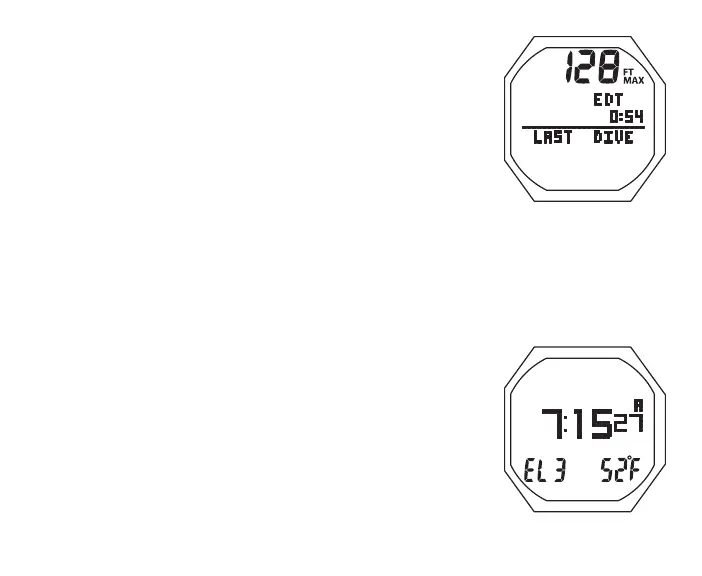
NORM SURF ALT 1, information includes (Fig. 27):
> Max Depth with MAX and FT (or M) icons, 2 dashes ( - - ) if
no previous dive
> Elapsed Dive Time (hr:min) with graphic EDT, 3 dashes
( - : - - ) if no previous dive
> Graphic LAST DIVE, indicating that data is from the dive
previously conducted while in NORM mode
• A < 2 sec to access ALT 2
• 5 sec, revert to Main if A is not pressed
• L (on closure) to activate Backlight
NORM SURF ALT 2, information includes (Fig. 28):
> Time of Day (hr: min sec) with A (or P)
> Altitude graphic, if EL2 (to EL7), blank if Sea level
> Temperature with ° icon and graphic F (or C)
• A < 2 sec to access ALT 3 (if set for Nitrox), or revert to
Main (if set for Air)
• 5 sec, revert to Main if A is not pressed
• L (on closure) to activate Backlight
NORM SURF ALT 3, information includes (Fig. 29):
Fig.28-NORMSURFALT2
Fig.27-NORMSURFALT1
(Lastdive'sdata)



 To Next Page