68
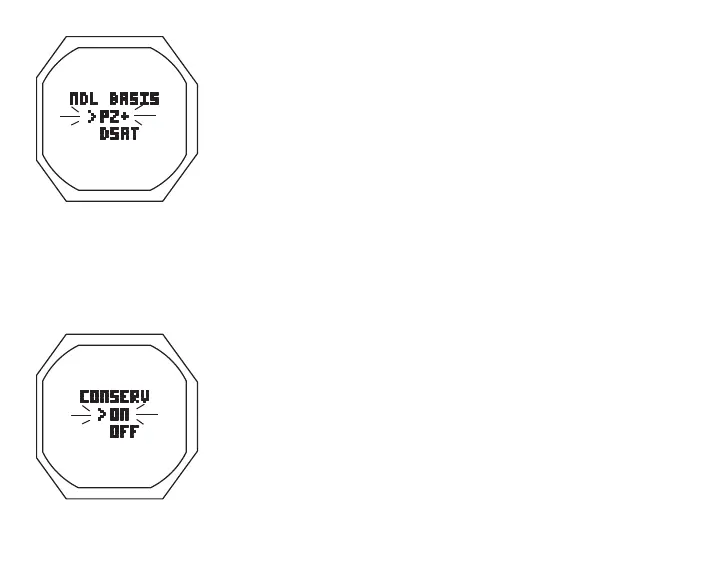
> Set Point graphics PZ+ and DSAT; Arrow ( > ) icon next to
the one previously saved flashing
• A (< 2 sec) to toggle Set Points
• S (< 2 sec) to save the setting and revert to the Set U Menu
This feature, which allows selection of the algorithm to be used
for nitrogen and oxygen calculations for Plan and DTR values , is
described on page 84.
Set Conserv, information includes (Fig. 53):
> Graphic CONSERV
> Set Point graphics ON and OFF; Arrow ( > ) icon next to
the one previously saved flashing
• A (< 2 sec) to toggle Set Points
• S (< 2 sec) to save the setting and revert to the Set U Menu
When CONSERV (Conservative Factor) is set On, NDLs are
reduced to values equivalent to those that would be available
at the next higher 3000 foot (915 meter) Altitude. Refer to the
charts on pages 170 and 171.
Set Glo Dura, information includes (Fig. 54):
> Graphics GLO and DURATION
Fig.52-SETNDLBASIS
Fig.53-SETCONSERVA-
TIVEFACTOR



 To Next Page