153
COMPASS OPERATION
Once it is Calibrated, Declination is set, the OP Mode is se-
lected, and the course Heading is set (if Reference), the OC1 is
ready for operation on the surface or underwater.
• S (2 sec) - to access Compass OP Main while viewing a
Surface or Dive Main screen (NORM, GAUG, or FREE) or
the Watch Default Time screen
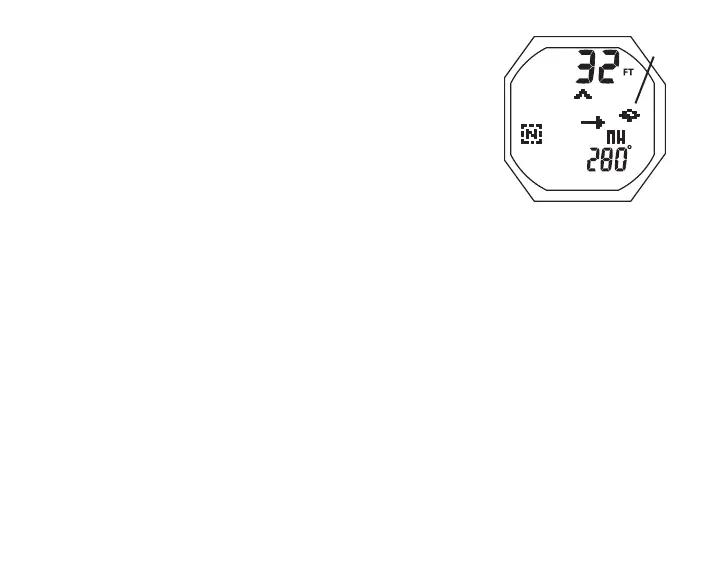
North OP Main, information includes (Fig. 154) -
> Depth with FT (or M) icon, blank on surface
> North Mode icon
> Static Arrow icon, diver direction of travel
> Dynamic Arrow icon, relative direction of magnetic north
> Tilt icon (Fig. 154a), while Compass is tipped to either
side (left or right) at an angle > 20°. Correct by moving
Compass to a level position.
> Diver's Heading as 001 to 360° with quadrant graphic
• S (2 sec) or 60 sec - reverts to Surface or Dive Main, or
Watch Time (whichever one access was from)
Fig.154-NORTHOPMAIN
(duringdive,Tilt)
a



 To Next Page