63
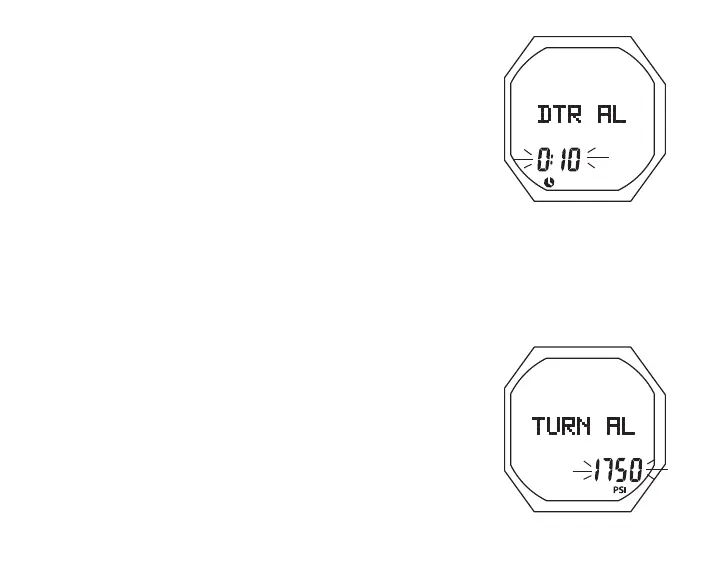
Set DTR Alarm, information includes (Fig. 44):
> Graphic DTR AL
> Dive Time Remaining value (hr:min) flashing with Time
(clock) icon
• A (hold) to scroll upward through Set Points at a rate of 8
per second from 0:00 to 0:20 (hr:min) in increments of :01
(:min)
• A (< 2 sec) to step upward through Set Points one at a time
• M (< 2 sec) to step back through Set Points one at a time
• S (< 2 sec) to save the setting and revert to the Set A Menu
Set Turn Press** Alarm, information includes (Fig. 45):
> Graphic TURN AL
> Graphic OFF or Pressure value flashing with PSI (or BAR)
icon
• A (hold) to scroll upward through Set Points at a rate of
8 per second from OFF to 1000 to 3000 PSI (70 to 205
BAR) in increments of 250 PSI (5 BAR)
• A (< 2 sec) to step upward through Set Points one at a time
• M (< 2 sec) to step back through Set Points one at a time
• S (< 2 sec) to save the setting and revert to the Set A Menu
**Turn Pressure only applies to TMT 1 (Transmitter 1).
Fig.44-SETDTRAL
Fig.45-SETTURNAL



 To Next Page