137
SELECT DIVE MODE
S (< 2 sec) - to access Set Dive Mode while the selection
Arrow icon ( > ) is next to it on the FREE Menu
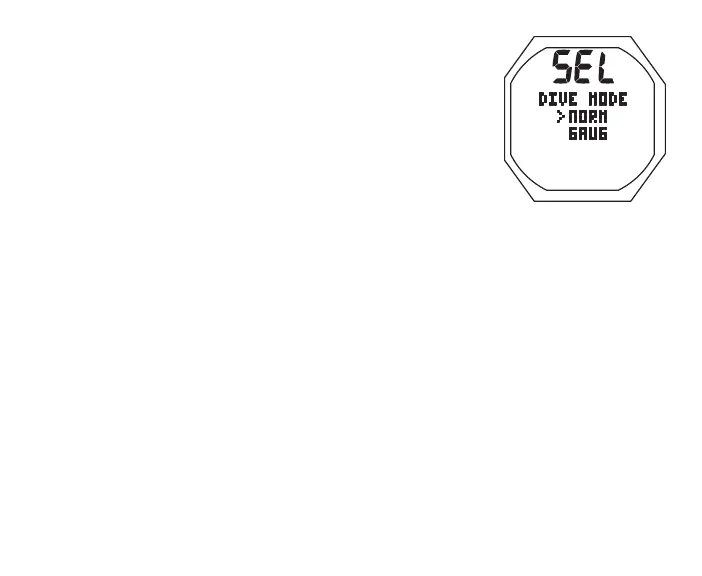
Set Dive Mode, information includes (Fig. 134):
> Graphics SEL and DIVE MODE
> Set Point graphics NORM and GAUG; Arrow ( > ) icon
next to NORM
• A (< 2 sec) to toggle between the selections
• S (< 2 sec) to save the selection and access that mode's
Surface Main screen
To change items that FREE Mode shares with NORM Mode,
access the NORM Menu, then Set U, then -
> Wet Activation
> Units
> NDL Basis
> Conservative Factor
> Glo Duration
Fig.134-SELECTDIVE
MODE
Upon descent to 5 FT (1.5 M) for 5 seconds, operation will enter
FREE Dive Mode.



 To Next Page