65
SET U (UTILITIES) MENU
S (< 2 sec) - to access Set U Menu while the selection Arrow
icon ( > ) is next to Set U on the NORM (or GAUG) Menu
A (< 2 sec) - to step down (forward) through selections
M (< 2 sec) - to step up (back) through selections
S (< 2 sec) - to access selection indicated by Arrow icon ( > )
Selections for Wet Activation, Units, NDL basis, Conserv, and
Glo Dura also apply to FREE Dive Mode.
> To change any of these items while in FREE mode, the Set U
selection in the NORM Menu must be used.
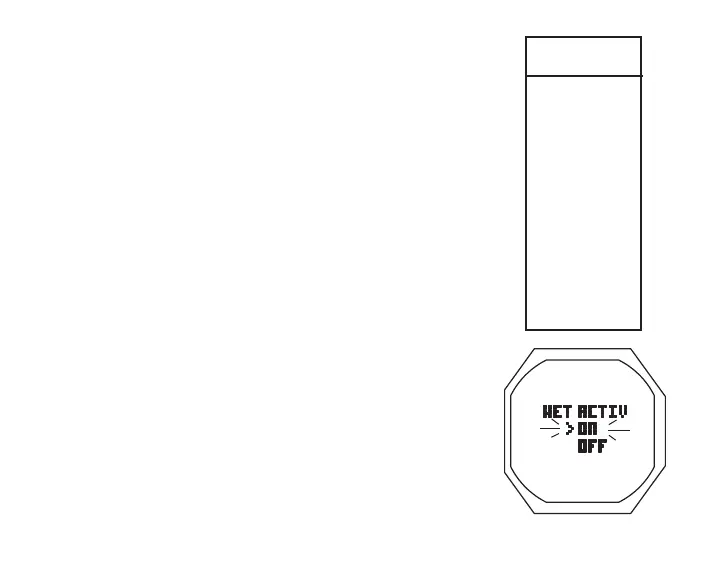
Set Wet Activation, information includes (Fig. 48):
> Graphic WET ACTIV
> Set Point graphics ON and OFF; Arrow ( > ) icon next to
the one previously saved flashing
• A (< 2 sec) to toggle Set Points
• S (< 2 sec) to save the setting and revert to the Set U Menu
Set Units, information includes (Fig. 49):
Set U
Menu
>
WET ACTIV
UNITS
DEEP STOP**
SAFE STOP**
NDL BASIS**
CONSERV**
GLO DURA
SAMPLING
TMT
** NORM only
Fig.48-SETWETACTIV



 To Next Page