41
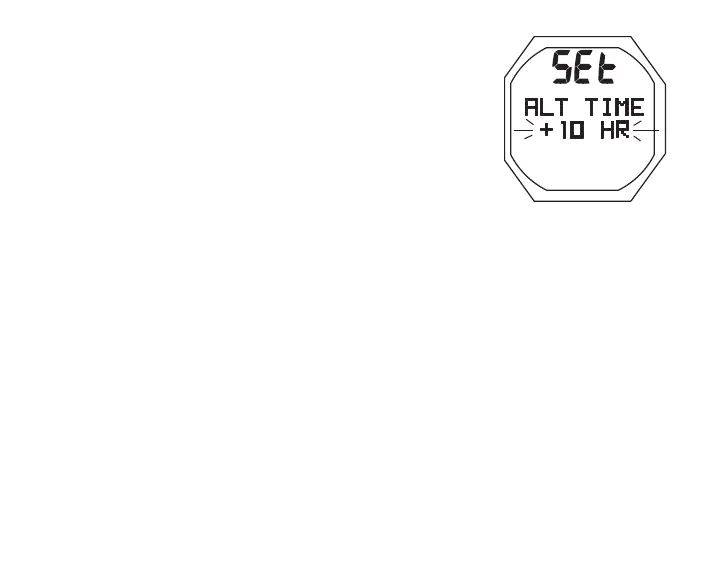
Set Alternate Time, information includes (Fig. 24):
This feature sets an Hour based numeric time Differential rang-
ing from - 23 through 0 to + 23 (hours). Once the Differential
is selected/saved, Alternate Time/Date values are based on the
Time of Day Set Points unless changed while at a travel location
with ALT Time selected as the Watch Default Time in which case
Main (home) Time would change by a differential opposite to
the one previously set for ALT Time.
> Graphics SEt and ALT TIME solid
> Set Point graphic OFF, or the +/ - numeric Hour Differential
with graphic HR, all flashing
• A (hold) to scroll upward through Set Points at a rate of 8
per second from - 23 through 0 to + 23 in increments of 1
• A (< 2 sec) to step upward through Set Points one at a time
• M (< 2 sec) to step back through Set Points one at a time
• S (< 2 sec) to save the Differential Set Point and revert to
the Set Time Menu.
Fig.24-SETALTERNATE
TIME



 To Next Page