62
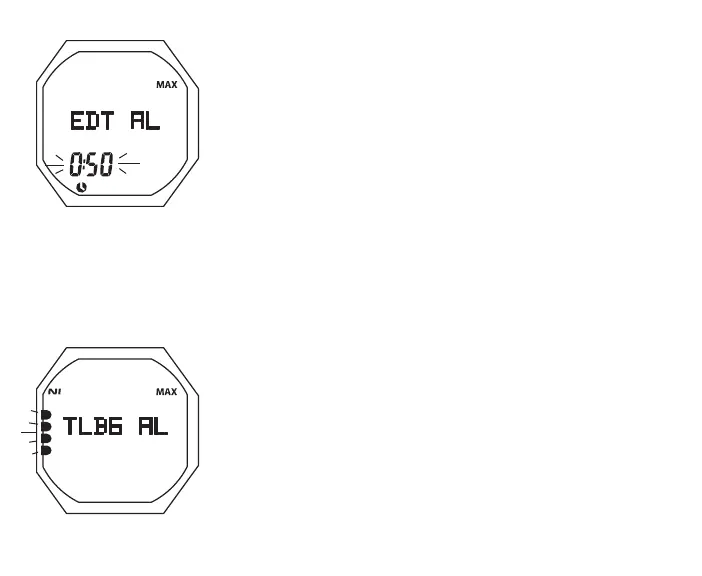
Fig.42-SETEDTAL
Fig.43-SETTLBGAL
Set EDT Alarm, information includes (Fig. 42):
> Graphic EDT AL with MAX icon
> Elapsed Dive Time value (hr:min) flashing with MAX and
Time (clock) icons
• A (hold) to scroll upward through Set Points at a rate of 8
per second from 0:10 to 3:00 (hr:min) in increments of :05
(:min)
• A (< 2 sec) to step upward through Set Points one at a time
• M (< 2 sec) to step back through Set Points one at a time
• S (< 2 sec) to save the setting and revert to the Set A Menu
FREE Mode has a separate EDT Alarm.
Set TLBG Alarm, information includes (Fig. 43):
> Graphic TLBG AL
> Depth value flashing with MAX and FT (or M) icons
• A (< 2 sec) to step upward through Set Points from 1 to 5
segments one at a time
• M (< 2 sec) to step back through Set Points one at a time
• S (< 2 sec) to save the setting and revert to the Set A Menu
FREE Mode has a separate TLBG Alarm.



 To Next Page