70
> Graphic SEt
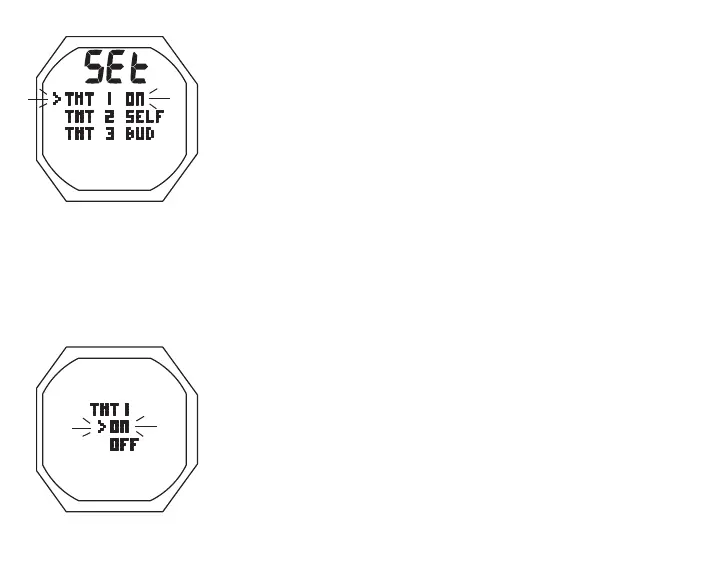
> Graphic selections TMT 1, TMT 2, and TMT 3 with last
setting saved (ON, OFF, SELF, or BUD)
A (< 2 sec) - to step down (forward) through selections
M (< 2 sec) - to step up (back) through selections
S (< 2 sec) - to access selection indicated by Arrow icon ( > )
Set TMT 1, information includes (Fig. 57A):
> Graphic TMT 1
> Set Point graphics ON and OFF; Arrow ( > ) icon next to
the one previously saved flashing
• A (< 2 sec) to toggle Set Points
• S (< 2 sec) to save the setting
> If OFF, the receiver is disabled, Set TMT 2 and 3 are
bypassed, and operation reverts to the Set U Menu.
> If ON, the receiver is enabled and the Set TMT 1 SN
screen is displayed.
Set TMT 1 SN, information includes (Fig. 57B):
> Graphics TMT 1 and SERIAL NO
> Numerical code (6 digits), 1st (left) flashing
Fig.57A-SETTMT1
Fig.56-SETTMTMENU



 To Next Page