38
SET TIME MENU
• S (< 2 sec) to access Set Time Menu, while the selection
Arrow icon ( > ) is next to Set Time on the Watch Menu
• A (< 2 sec) to step down (forward) through selections
• M (< 2 sec) to step up (back) through selections
• S (< 2 sec) to access selection indicated by Arrow icon ( > )
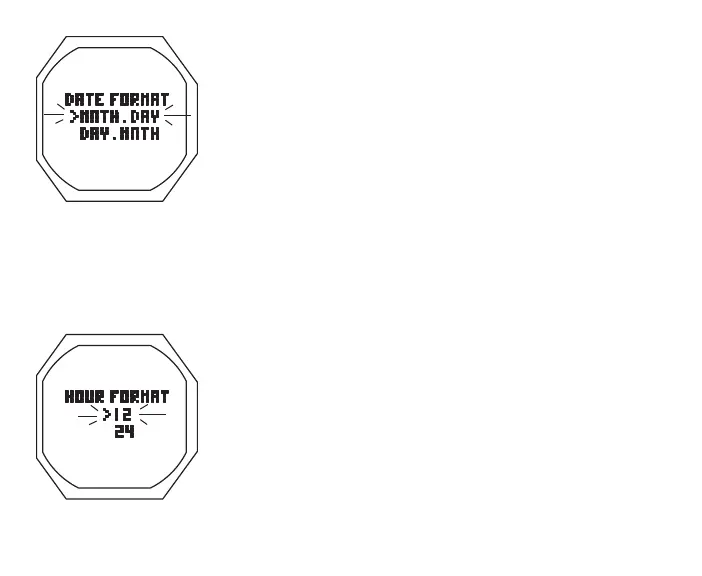
Set Date Format, information includes (Fig. 20):
Date Format establishes the location that the Month (M) digits
are displayed relative to the Day (D) digits, on the left or right.
> Graphic DATE FORMAT
> Set Point graphics MNTH.DAY and DAY.MNTH; Arrow ( > )
icon next to the one previously saved flashing
• A (< 2 sec) to toggle Set Points
• S (< 2 sec) to save Set Point and revert to Set Time Menu
Set Hour Format, information includes (Fig. 21):
> Graphic HOUR FORMAT
> Set Point graphics 12 and 24; Arrow ( > ) icon next to the
one previously saved flashing
• A (< 2 sec) to toggle Set Points
• S (< 2 sec) to save Set Point and revert to Set Time Menu
Fig.20-SETDATEFORMAT
Fig.21-SETHOURFORMAT



 To Next Page