150
NORTH OP MODE
Used for activity involving navigation in which a Heading (direc-
tion of travel) is not set prior to diving.
North remains as the default mode until Reference is selected.
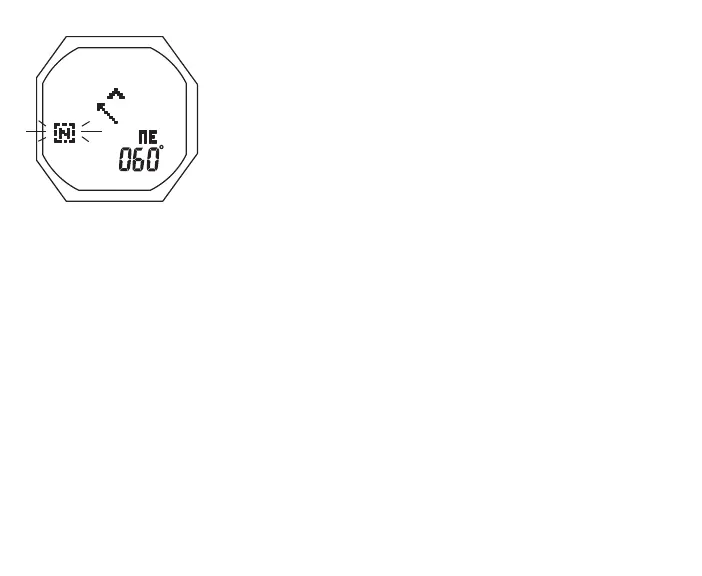
North OP Mode, information includes (Fig. 149) -
> North Mode icon, flashing
> Static Arrow icon, diver direction of travel
> Dynamic Arrow icon, relative direction of magnetic north
> Heading as 001 to 360°, in 1° increments, with quadrant
position graphic
• S (< 2 sec) - to save North (icon becomes solid) and display
it as the Compass OP Main
Graphic: Range:
• N 351 to 360 to 010°
• NE 011 to 079°
• E 080 to 100°
• SE 101 to 170°
• S 171 to 190°
• SW 191 to 260°
• W 261 to 280°
• NW 281 to 350°
Fig.149-NORTHOPMODE
(surface)



 To Next Page