73
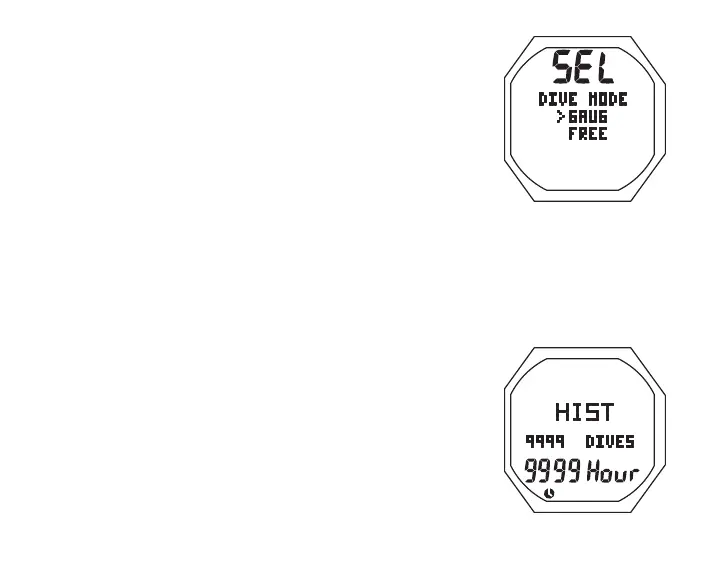
Fig.59-SELECTDIVE
MODE
SELECT DIVE MODE
S (< 2 sec) - to access Set Dive Mode while the selection
Arrow icon ( > ) is next to it on the NORM Menu
Set Dive Mode, information includes (Fig. 59):
> Graphics SEL and DIVE MODE
> Set Point graphics GAUG and FREE; Arrow ( > ) icon next
to GAUG
• A (< 2 sec) to toggle between the selections
• S (< 2 sec) to save the selection and access that mode's
Surface Main screen
NORM/GAUG HISTORY MODE
S (< 2 sec) - to access History 1 while the selection Arrow
icon ( > ) is next to History on the NORM (or GAUG) Menu
History 1, information includes (Fig. 60):
> Graphic HIST
> Total number dives ever recorded (up to 9999) with graphic
DIVES, 0 if no dive yet
> Total hours of EDT (dive time) ever recorded with graphic
Hour and Time (clock) icon, 0 if < 1 hour
• S (< 2 sec) to access History 2
History 2, information includes (Fig. 61):
Fig.60-HISTORY1



 To Next Page