72
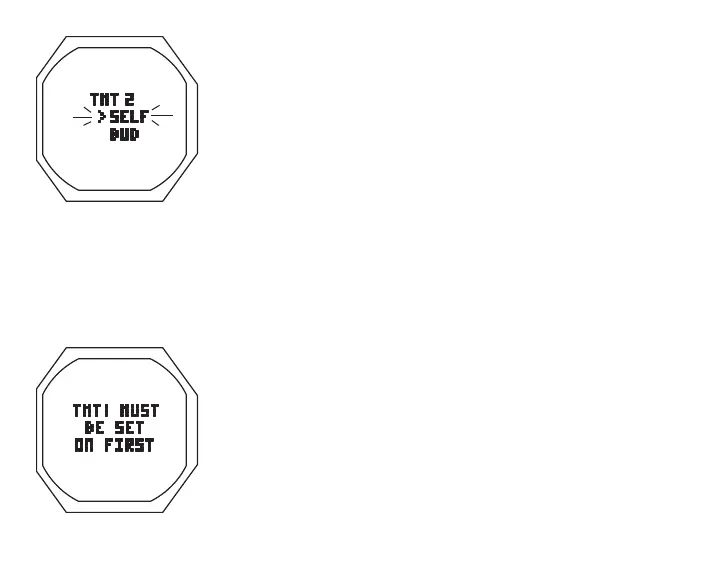
Set TMT 2 Use**, information includes (Fig. 58B):
> Graphic TMT 2
> Set Point graphics SELF and BUD; Arrow ( > ) icon next to
the one previously saved flashing
• A (< 2 sec) to toggle Set Points
• S (< 2 sec) to save the setting
** If this screen is accessed when TMT 1 is set Off, a message
(Fig. 58C) will be displayed for 5 seconds, then operation
will revert to the TMT Set Menu.
Set TMT 2 SN is similar to that for TMT 1, except the graphic
BUD 1 will be displayed instead of TMT2 if Use is set for BUD.
Set TMT 3, Use, and SN are similar to that for TMT 2.
Fig.58B-SETTMT2USE
Fig.58C-TMTMESSAGE



 To Next Page