158
UPLOADING SETTINGS AND DOWNLOADING DATA
The Settings Upload portion of the Oceanlog PC Interface
program can be used to set/change the OC1’s Main Time,
Date, Set A group (Alarms), and Set U group (Utilities) using the
same Interface System. The Set F group (FO2) and FREE Mode
Alarms must be entered using the OC1's button controls.
Information available for retrieval (download) from the OC1 to
the Download portion of the program includes dive number, SI,
max depth, EDT, start date/time, lowest temperature, sampling
rate, dive profile, OC1's Set Points, pressure, ATR, O2BG,
TLBG, and Gas Switching events/pressures.
Prior to attempting to download data from your OC1 or upload
Settings to it, review the Help section of the interface program.
Recommended is to print those sections of Help that you con-
sider appropriate for your Interface activities.
A USB Driver is provided on the Oceanlog CD as part of the
Interface System.
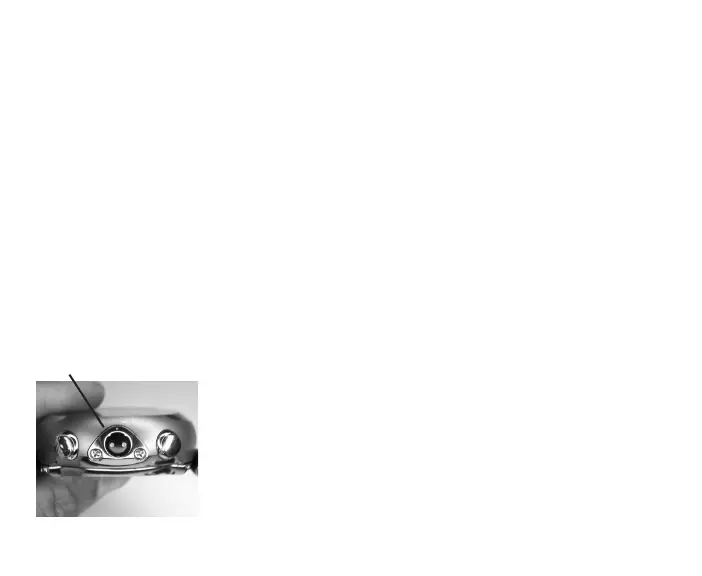
The OC1 is configured with a Data Port located on the side (Fig.
158a) that enables it to be connected to a PC through a USB
port using the special Interface Cable supplied.
To connect the PCI Cable to the OC1:
Fig.158-OC1DATAPORT
a



 To Next Page