15
Menu button action >>
M (< 2 sec) - to access Menu
A (< 2 sec) - to step down the screen (forward) through selections
M (< 2 sec) - to step up the screen (backward) through selections
S (< 2 sec) - to access selection indicated by Arrow icon ( > )
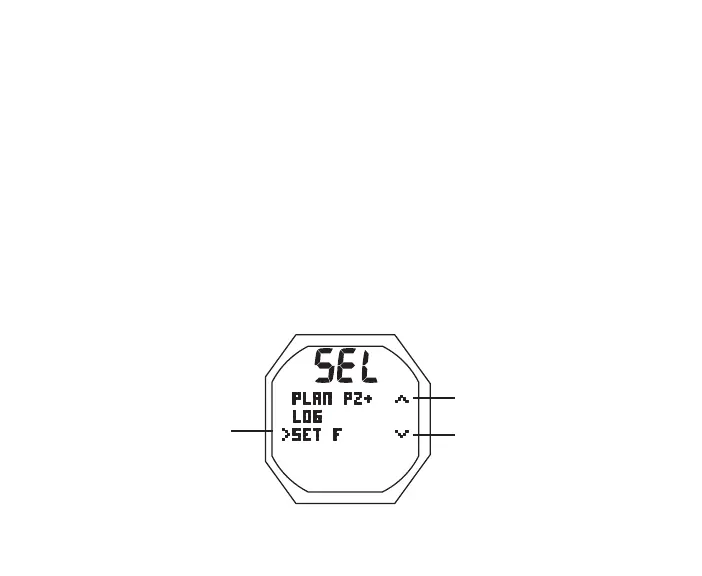
Right Arrow icon ( > ) at the left indicates the selection.
Down Arrow icon ( v ) at the right indicates that additional selections are available below
(after) those shown.
Up Arrow icon ( ^ ) at the right indicates that additional selections are available above
(before) those shown.
Selectioncan
beaccessed
Thereisaselec-
tionabove
Thereisaselec-
tionbelow
M
A
S
L



 To Next Page