85
CHAPTER 8
Browsing Your Records
e PDM history records contain information about your blood glucose readings,
insulin delivery, carbohydrate entries, and alarms history. e history records can
store over 90 days of information. Once the memory is full, new records begin to
replace the oldest records. You can browse but not edit the information in your
records.
Note: e data in memory is not at risk if the PDM battery runs out. e date and
time may need to be reset, but the history records are unaected.
Overview of the Records Screens
is section describes how to navigate your records and understand the meanings
of the symbols used on the history screens.
The Records menu
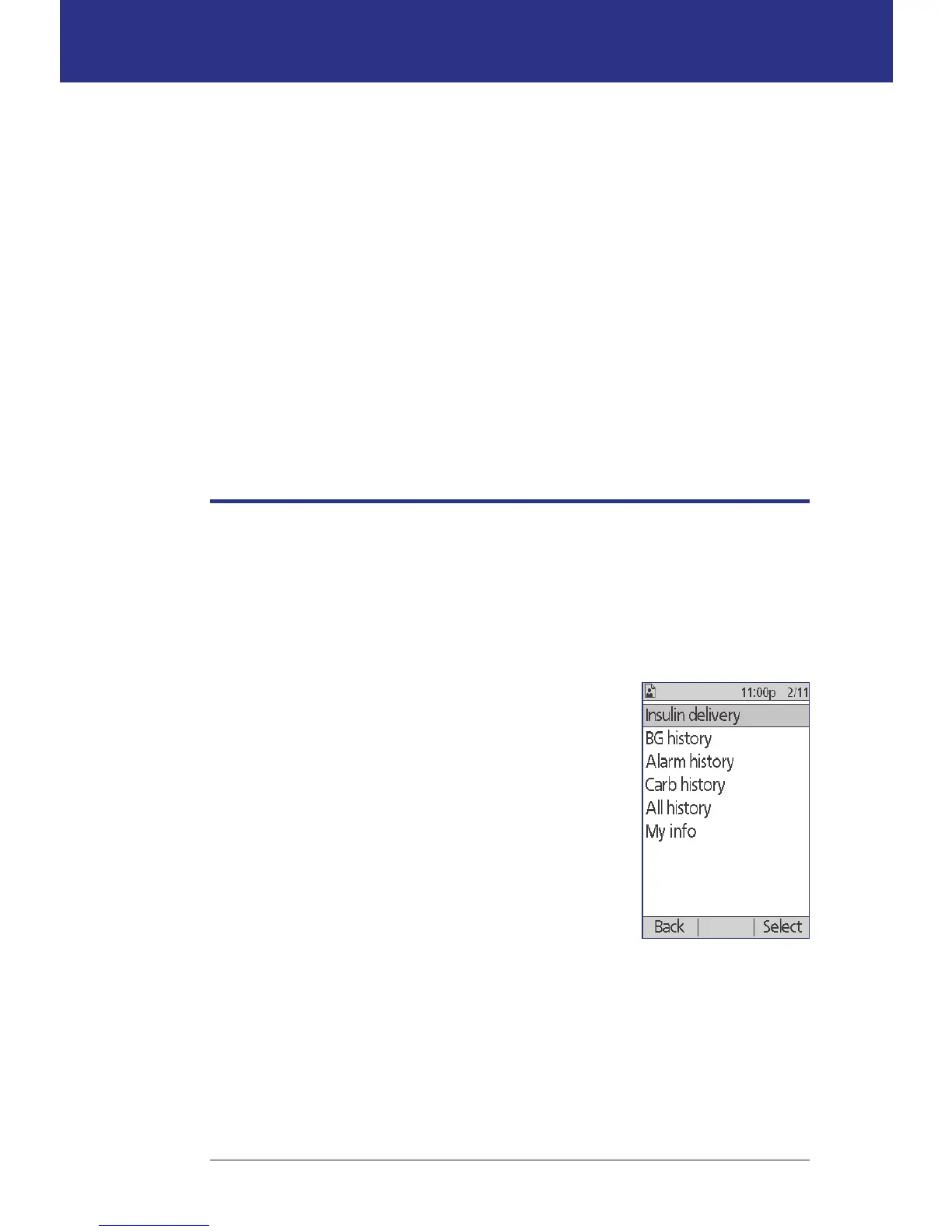
To access the Records menu, navigate to:
Home > My records
e Records menu allows you to select a category of
history records to view (insulin delivery, BG readings,
alarms, or carbohydrates). You can also view all of your
history records in one long chronological list.
e Records menu also gives you access to any personal
notes you have stored.



 To Next Page