Delivering a Bolus of Insulin 5
52
5 Delivering a Bolus of Insulin
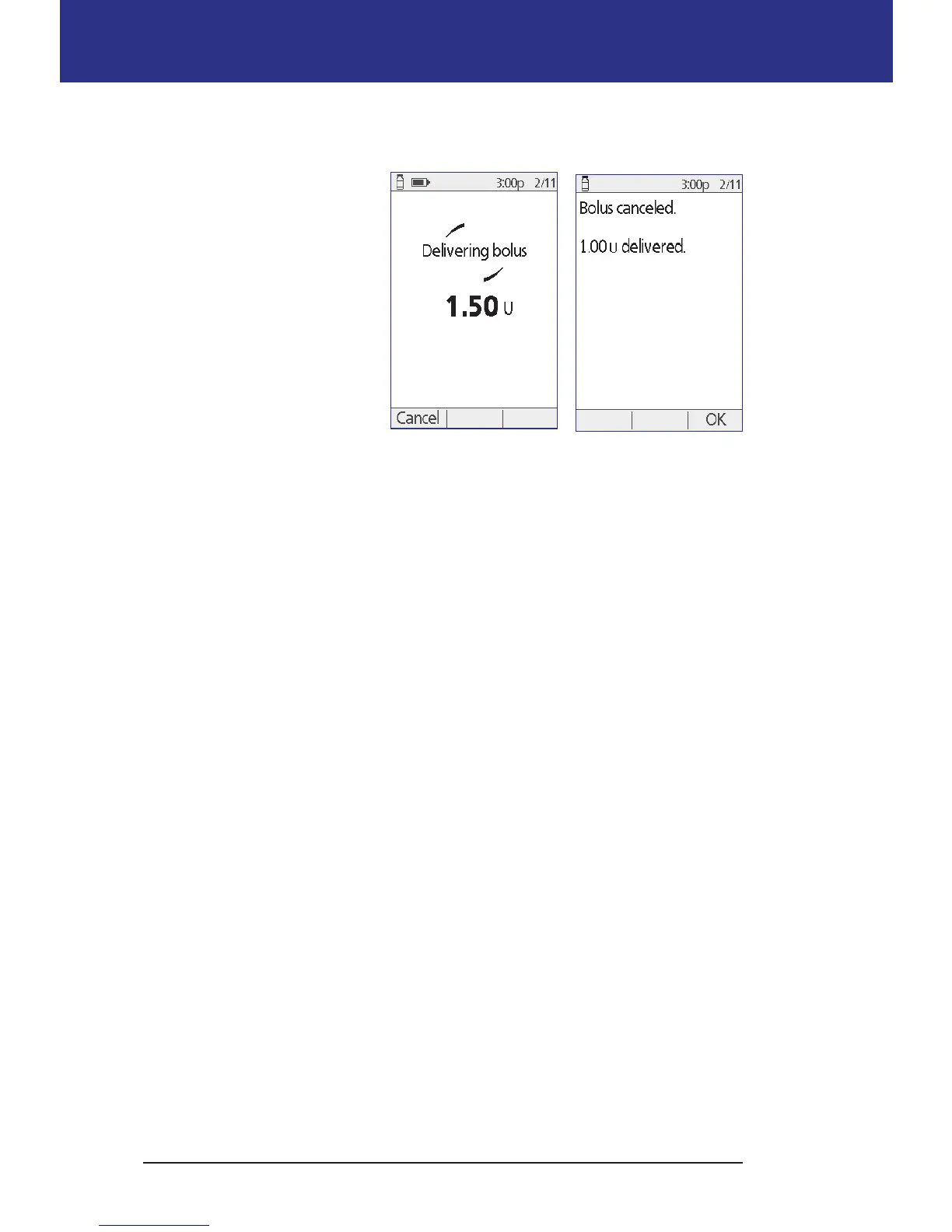
Cancel an immediate bolus
To cancel an active bolus while
it is being delivered:
1. If necessary, turn on your
device and conrm your
ID.
2. If bolus delivery has not
nished yet, press Cancel
on the "Delivering bolus"
screen. e Pod beeps to
conrm that the bolus is
canceled.
3. Press OK.
Cancel an extended bolus
To cancel an extended bolus:
1. If necessary, turn on your device and conrm your ID.
2. Choose Home > Suspend/cancel.
3. Choose Cancel extended bolus, then press Select.
4. Press Conrm to cancel the bolus. e Pod beeps when the bolus is canceled.



 To Next Page