37
Checking Your Blood Glucose 44 Checking Your Blood Glucose
You may want to test for low blood glucose when:
• You feel symptoms such as weakness, sweating, nervousness, headache, or
confusion.
• You have delayed a meal aer taking insulin.
• Your healthcare provider advises you to do so.
Using the Built-in BG Meter
If you plan to use a separate BG meter, skip to "Using BG Meter" on page 44.
FreeStyle Control Solutions and Test Strips must be purchased separately. Contact
your pharmacy or call Customer Care.
Caution: Complete information on the FreeStyle Test Strips (such as
interferences and performance) can be found in the test strip package insert.
Please read all instructions provided on the test strip package insert before using
the Omnipod® System and FreeStyle accessories.
Insert a test strip into the PDM
1. Turn on your PDM by pressing the Home/
Power button. Identify the PDM as yours and
press Conrm.
Tip: You can also turn on the PDM by
inserting the test strip into the test strip port.
Caution: If Auto-o is enabled, you should
always turn on the PDM with the Home/
Power button prior to inserting a test strip
(see "Auto-o" on page 137).
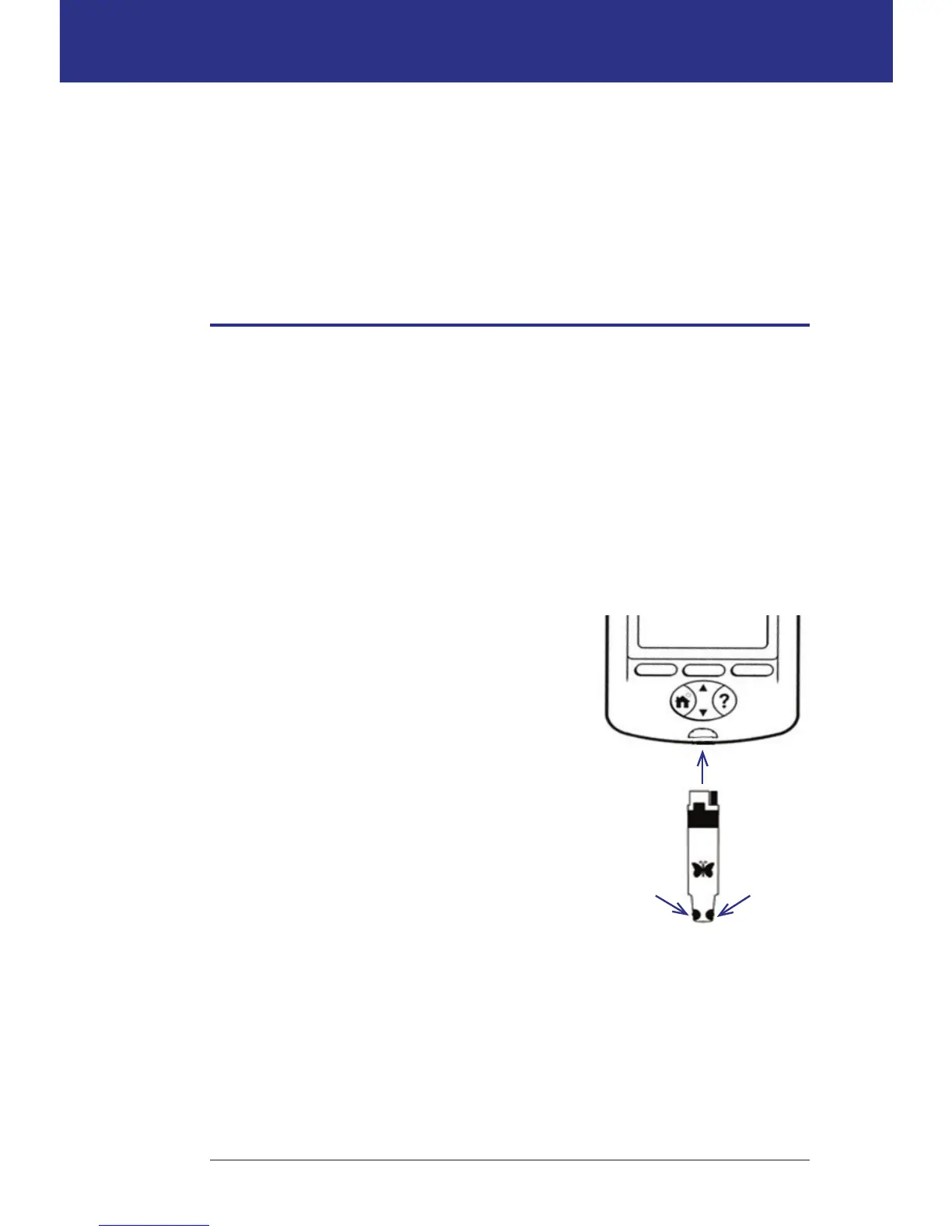
2. Insert a test strip into the PDM's test strip
port. To do so, hold the bottom of the test strip
and gently insert it into the test strip port until
it stops.
Note: e PDM will not perform a blood glucose test during Pod activation
or while an alarm is sounding.
... or here
Insert test
strip here
Sample can
be applied
here ...



 To Next Page