Your Omnipod® Insulin Management System 1
8
1 Your Omnipod® Insulin Management System
The PDM's Top-level Screens
is section introduces you to the PDM's top-level screens:
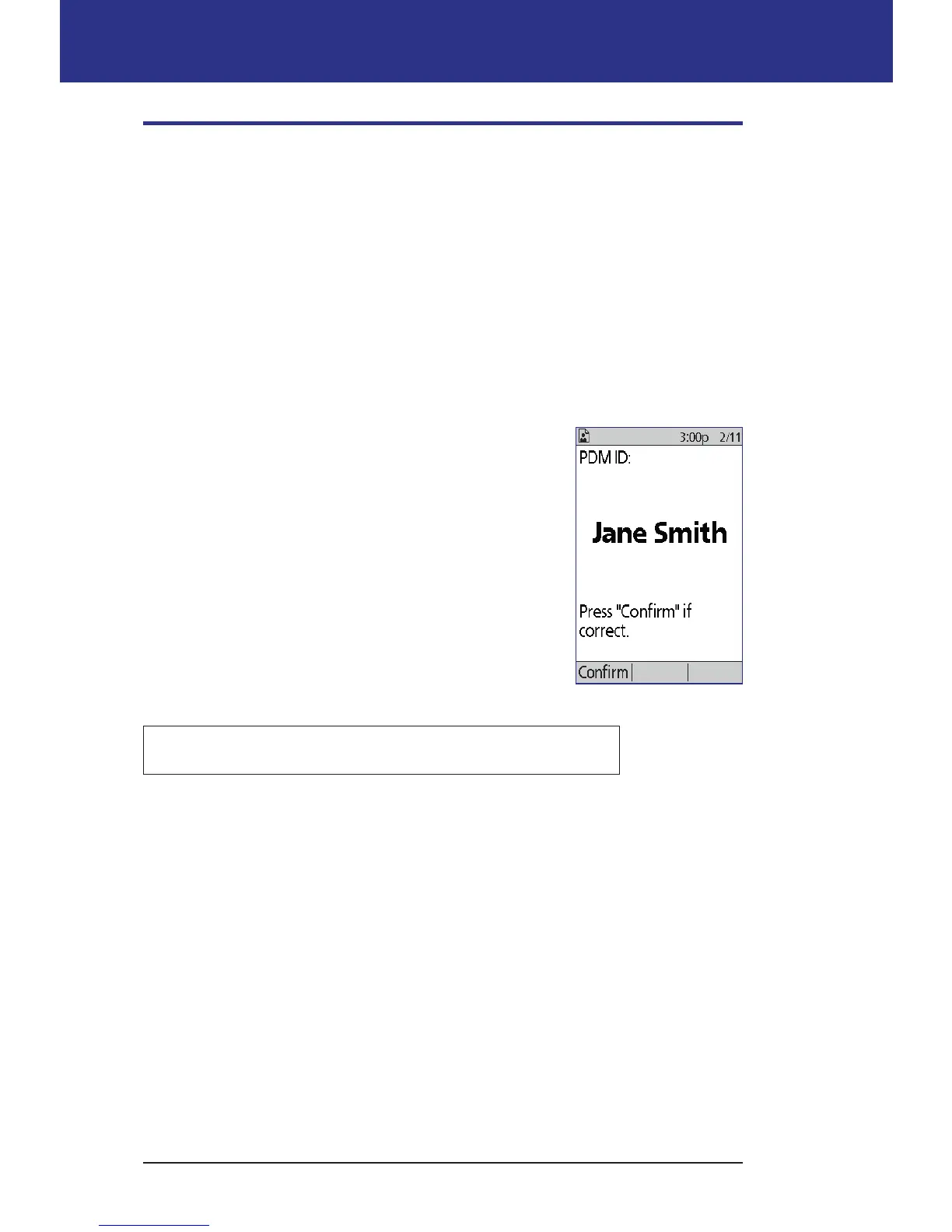
• e ID screen identies the PDM as being yours.
• e Home screen and the More actions screen are the main menus. ey
provide the entry point to the PDM's functions.
• e Status screen shows the Pod and PDM's status, lists current or recent
basal, bolus and blood glucose information, and displays messages.
• e IOB screen gives details about how much insulin is active in your body.
ID screen
e ID screen performs a very important function: It
allows you to identify the PDM as yours.
To conrm that the PDM is yours:
1. Press the Home/Power button to turn on your
PDM. e ID screen appears. Verify that the
username is yours.
2. Press Conrm. e Status screen appears.
In the remainder of this User Guide, instructions to "turn
on the PDM" indicate both pressing the Home/Power
button and conrming the ID screen.
Warning: Always identify the PDM as yours before using it.



 To Next Page