41
Checking Your Blood Glucose 44 Checking Your Blood Glucose
Note: If you receive a "Meter Error" message when checking your BG, see
"Errors in the Built-in BG Meter" on page 106.
8. Remove and dispose of the test strip (see the test strip instructions for use for
disposal information). You can use a test strip only once. Used test strips are
considered biohazardous material.
Note: Wash your hands thoroughly with soap and water aer handling the
meter, lancing device, or test strips.
9. If this is a blood glucose reading (that is, not a control solution test), go to
"Blood glucose results" on page 42.
Control solution results
If this is a control solution test, you must verify the results and tag it as a control
solution.
Caution: If you fail to tag a control solution properly, its value is averaged into
your blood glucose history records.
1. Compare the number displayed on the PDM screen
to the range printed on the control solution vial.
2. If the number displayed is outside the range on the
vial, follow the control solution instructions about
retesting or call Customer Care.
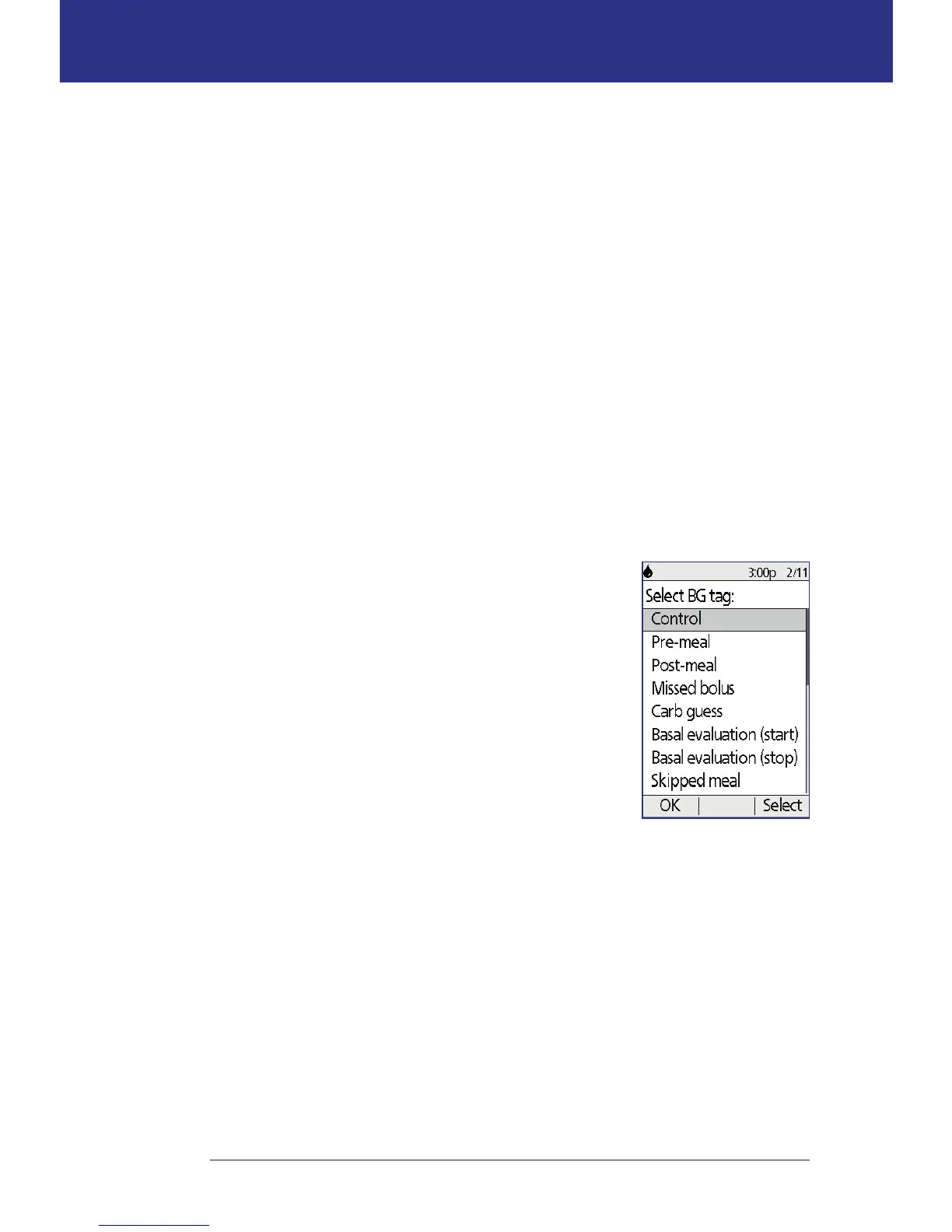
3. If the number displayed is within the range on the
vial, tag the reading as a control solution reading
by pressing Tag. With Control highlighted, press
Select and then OK.
4. Press Done to return to the Status screen.



 To Next Page