61
CHAPTER 7
Adjusting Settings
As your needs change, you may want to adjust various settings on your PDM.
Tip: Some settings have
defaults, but all settings can
be changed.
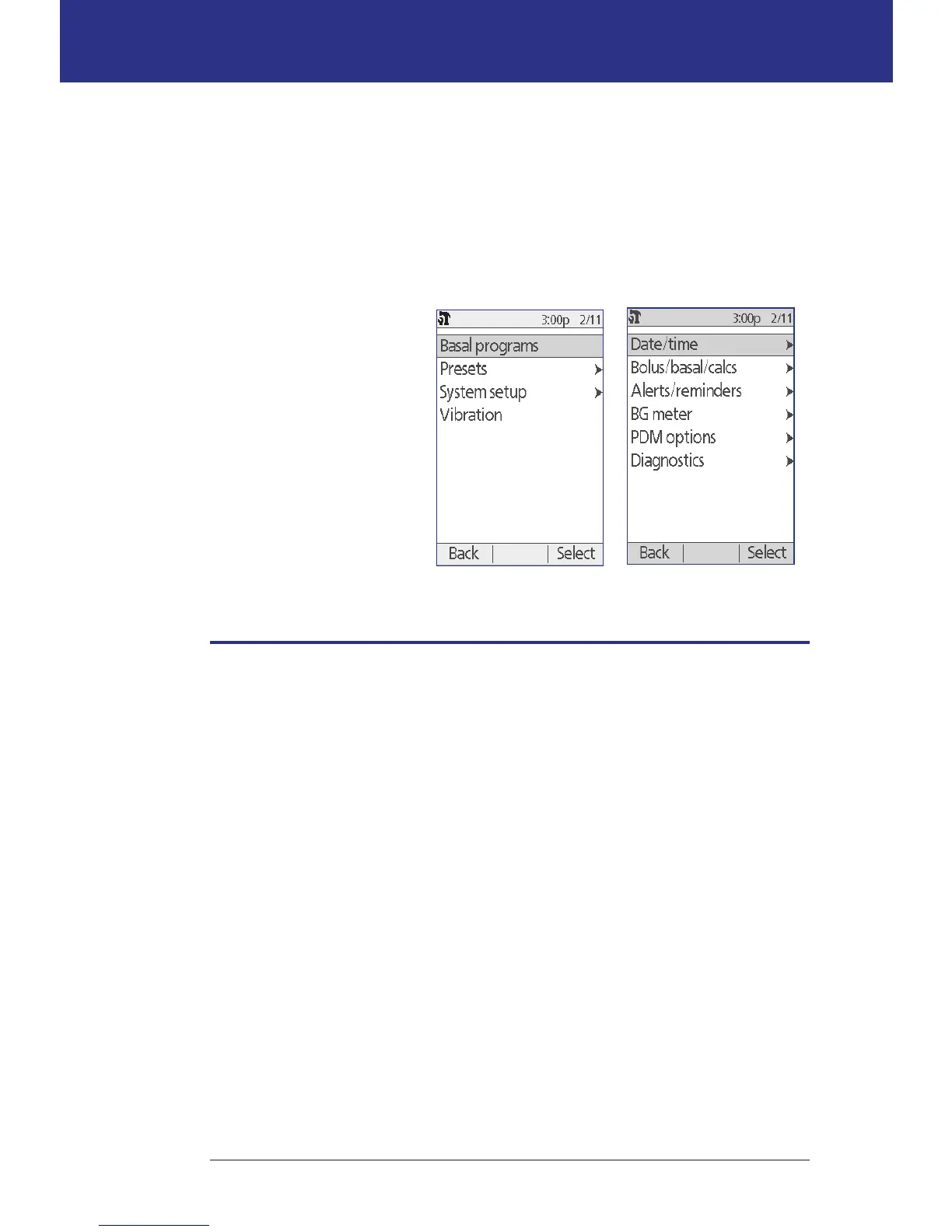
e screens shown here are
the two main menu screens
that give you access to your
Omnipod® System settings:
the Settings menu and the
System setup menu.
General PDM Settings
General PDM settings include your identication and general device settings.
Date and time
You may need to reset the date and time to adjust for daylight-savings time or
changing time zones.
1. If you have an active Pod, you must suspend it rst: Home > Suspend
2. Navigate to: Home > Settings > System setup > Date / time
3. Choose the time, and press Edit. Use the Up/Down button to enter the new
time. To change between AM/PM and a 24-hour clock, press 12/24hr. Press
Enter, then press Conrm.
4. Choose the date, and press Edit. Change the year, month, day as desired,
pressing Next between each screen. Choose the date format and press Select.
en press Conrm.
5. If you suspended your Pod, press Home and Resume to resume insulin
delivery.
Home > Settings> System setup
Home > Settings



 To Next Page