33
Changing Your Pod 33 Changing Your Pod
Warning: Check the infusion site aer insertion to ensure that the cannula
was properly inserted. If the cannula is not properly inserted, hyperglycemia
may result.
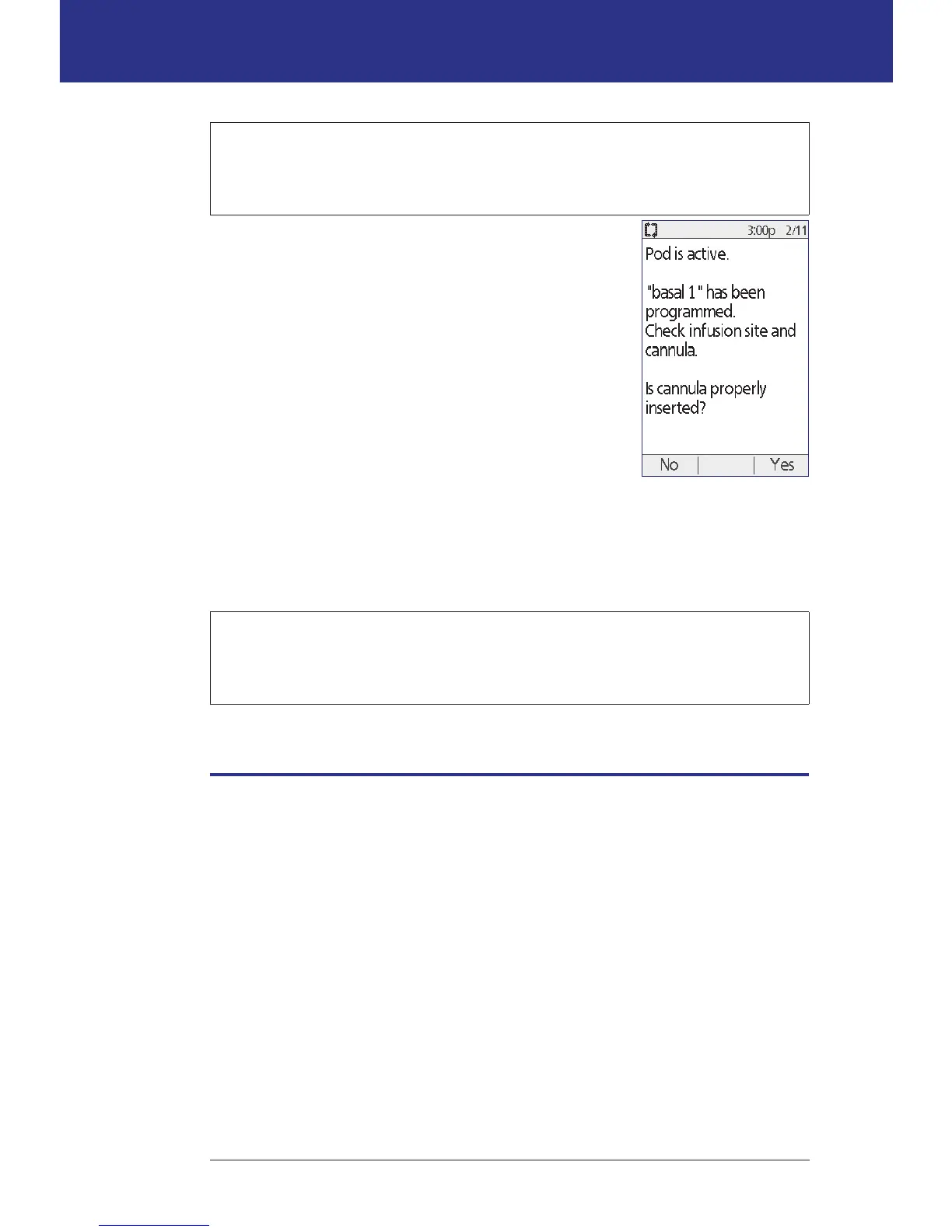
4. If there is a problem with the cannula, press No and
follow the on-screen instructions for deactivating
your Pod. en restart the process with a new Pod.
5. Press Ye s if the cannula was properly inserted. e
PDM shows the Status screen.
6. Aer 1.5 hours, the PDM prompts you to check your blood glucose level and
to recheck the infusion site.
Warning: NEVER inject insulin (or anything else) into the ll port while
the Pod is on your body. Doing so may result in unintended or interrupted
insulin delivery.
Avoid Infusion Site Infections
Check the infusion site at least once a day:
• Be aware of signs of infection, including pain, swelling, redness, discharge, or
heat at the site. If you suspect an infection, immediately remove the Pod and
apply a new one in a dierent location. en call your healthcare provider.
• If you observe any problems with the Pod, replace it with a new Pod.



 To Next Page