77
Adjusting Settings 77 Adjusting Settings
Reminder and Notication Settings
Reminders and notications are used to bring items
related to system function to your attention (see
"Notications" on page 99 and "Informational Beeps" on
page 101).
BG reminders
If BG reminders are on, a screen is inserted into the bolus
ow that asks if you would like to set a reminder to check
your blood glucose. You can answer yes or no at that
time.
To set a BG reminder:
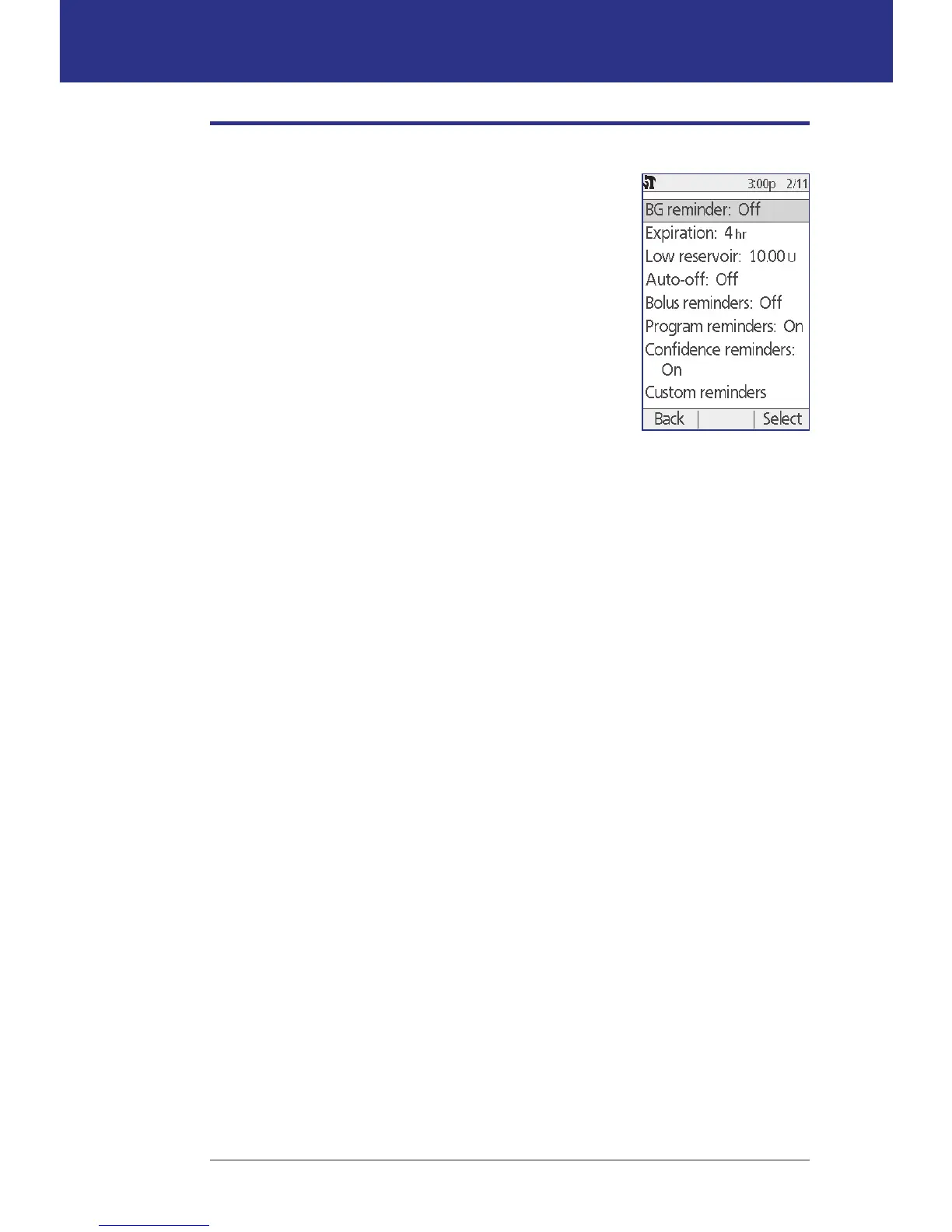
1. Home > Settings > System setup > Alerts/reminders > BG reminder
2. Choose On to include the BG reminder query in the bolus ow. Choose O
to skip the BG reminder.
3. Press Select.
Pod expiration
e Pod expiration notication tells you when the Pod is nearing its expiration
so you can plan for a Pod change at a convenient time. is notication can
range from 1 to 24 hours before the Pod expiration advisory alarm sounds. At the
selected time, the Pod and PDM beep and the PDM generates a message.
To set the timing of the Pod expiration notication:
1. Home > Settings > System setup > Alerts/reminders > Expiration
2. Use the Up/Down button to specify how long before your Pod expires that
you would like to be notied, then press Enter.



 To Next Page