11
Your Omnipod® Insulin Management System 11 Your Omnipod® Insulin Management System
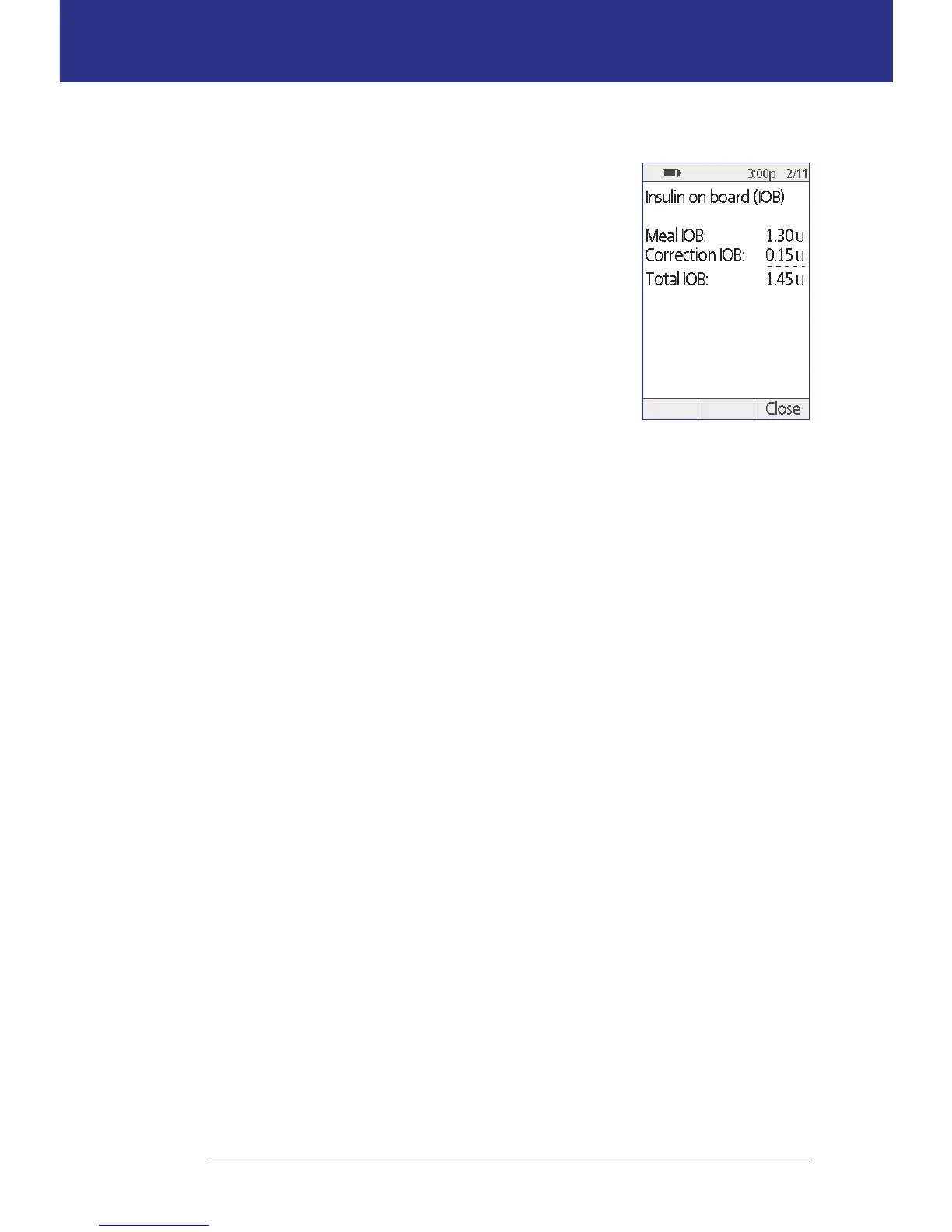
IOB screen
For details about your insulin on board (IOB), navigate
to the Status screen and press the Info button.
e IOB screen shows you how much of your total IOB
is from a meal IOB and how much is from a correction
IOB.
For more information about the IOB calculation and
how the Bolus Calculator uses IOB, see page 145.



 To Next Page