57
Modifying Basal Insulin Delivery 66 Modifying Basal Insulin Delivery
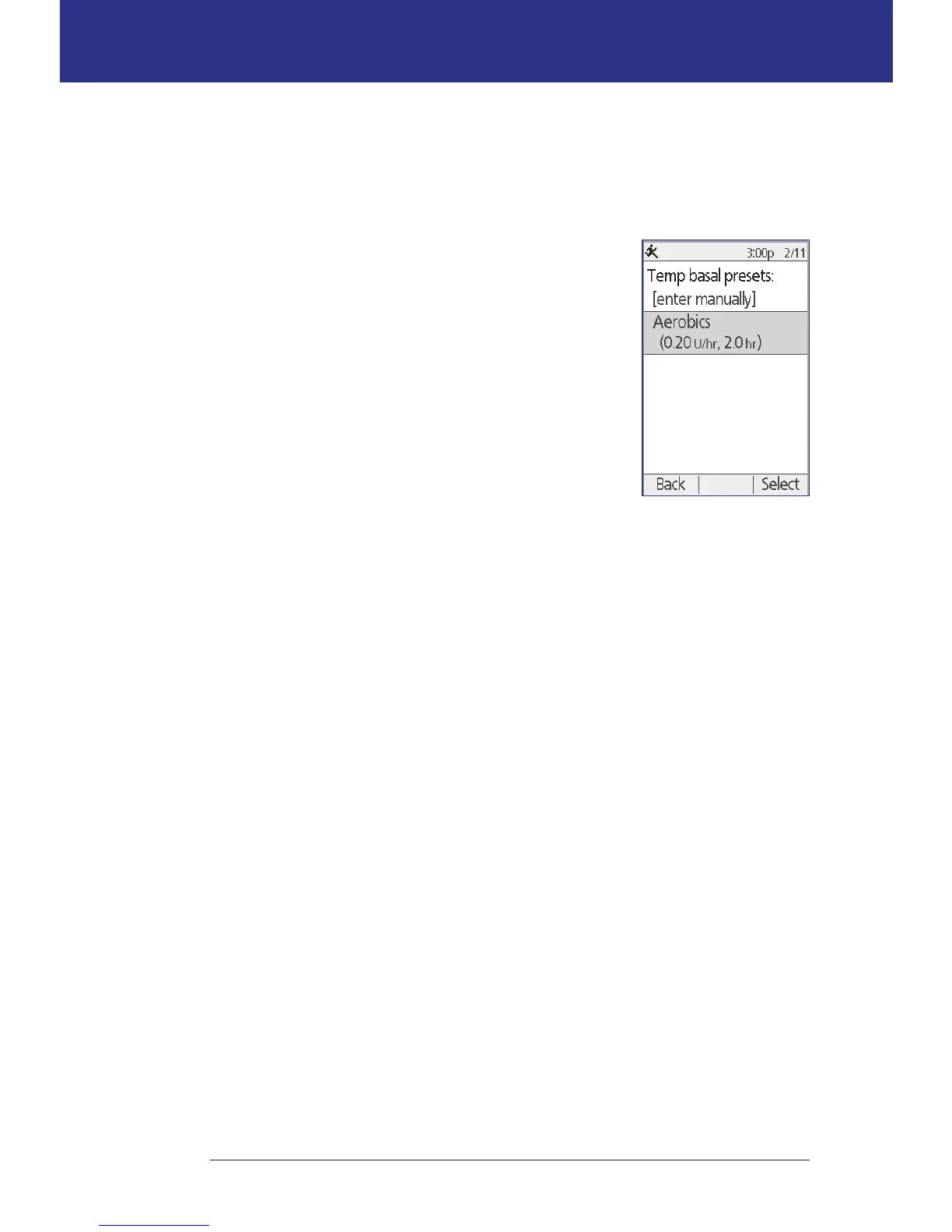
Activate a temp basal preset
A temp basal preset stores the details of a temp basal that you use frequently. Temp
basal presets can be activated rapidly. To create or modify a temp basal preset, see
"Temp basal presets" on page 68.
1. Navigate to the Temp basal screen:
Home > Temp basal
2. e list of existing temp basal presets appears. Use
the Up/Down arrow to highlight the desired temp
basal preset.
If you do not want to use one of the temp basal
presets, select [enter manually] and go to step 4 on
page 55.
3. Press Select.
4. If you want to change the duration of the temp basal,
use the Up/Down button to change the duration.
5. Aer reviewing the specied temp basal rate and duration, press Conrm to
activate it.



 To Next Page