Changing Your Pod 3
24
3 Changing Your Pod
2. Wash your hands before starting and keep them clean throughout the Pod
change process.
3. Check the insulin for signs of deterioration.
4. Check the Pod's packaging for damage, then open it and inspect the Pod for
signs of damage.
5. If the insulin or Pod is below 10°C (50°F), allow it to warm up to room
temperature before proceeding.
Warnings:
NEVER use insulin that is cloudy; it may be old or inactive. Check the insulin
manufacturer’s instructions-for-use for the expiration date. Failure to use
rapid-acting U-100 insulin, or using insulin that has expired or is inactive,
could put your health at risk.
Do NOT apply or use a Pod if the sterile packaging is open or damaged, or
if the Pod has been dropped aer removal from the package, as this may
increase the risk of infection. Pods are sterile unless the packaging has been
opened or damaged.
Do NOT apply or use a Pod that is damaged in any way. A damaged Pod may
not work properly.
Do NOT use a Pod if it is past the expiration date on the package.
To minimize the possibility of site infection, do NOT apply a Pod without rst
using aseptic technique. is means to:
• Wash your hands
• Clean the insulin vial with an alcohol prep swab
• Clean the infusion site with soap and water or an alcohol prep swab
• Keep sterile materials away from any possible germs.
Prepare the PDM and deactivate the old Pod
To begin the Pod change process:
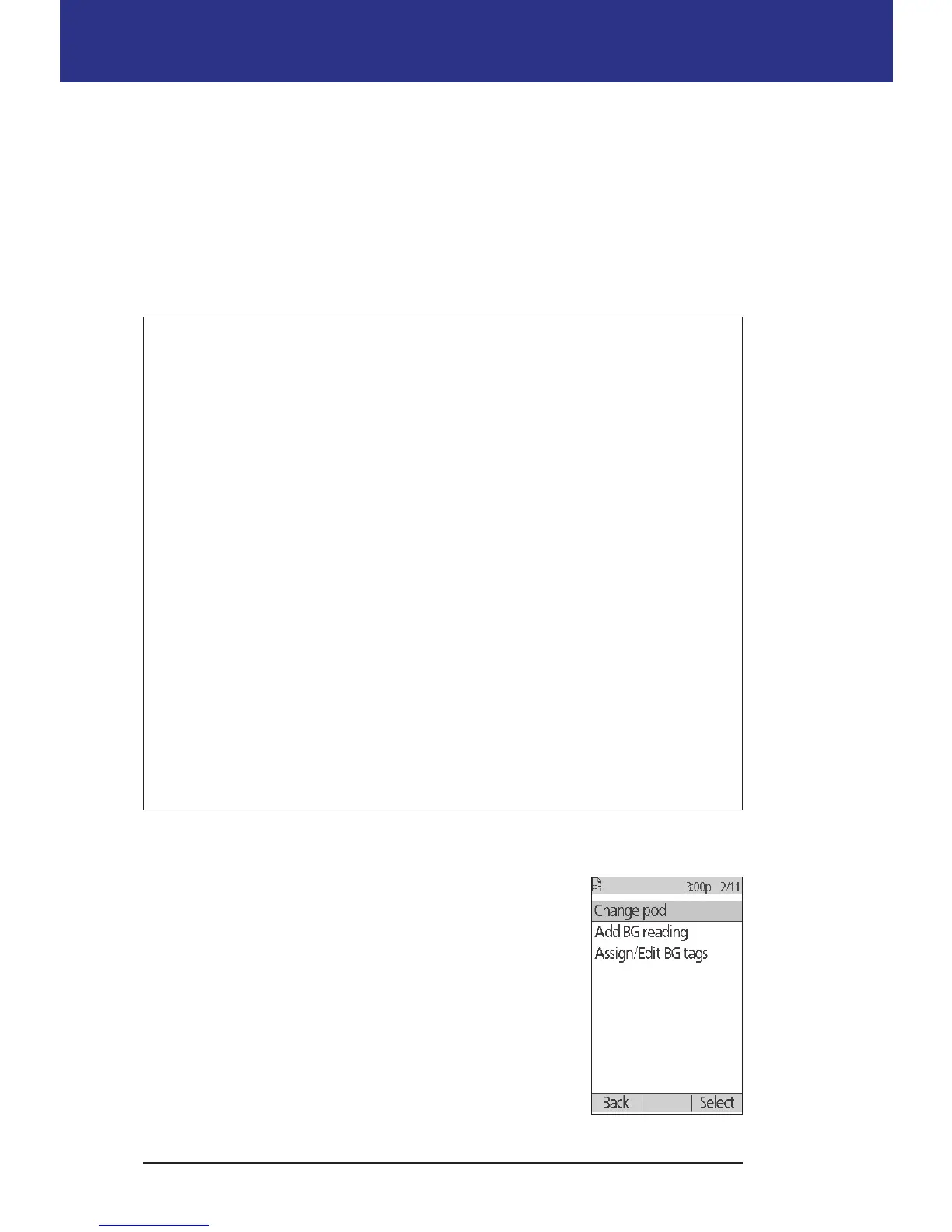
1. Navigate to the Pod change screen:
Home > More actions > Change pod
2. If you are not wearing an active Pod, skip to step 6.



 To Next Page