69
Adjusting Settings 77 Adjusting Settings
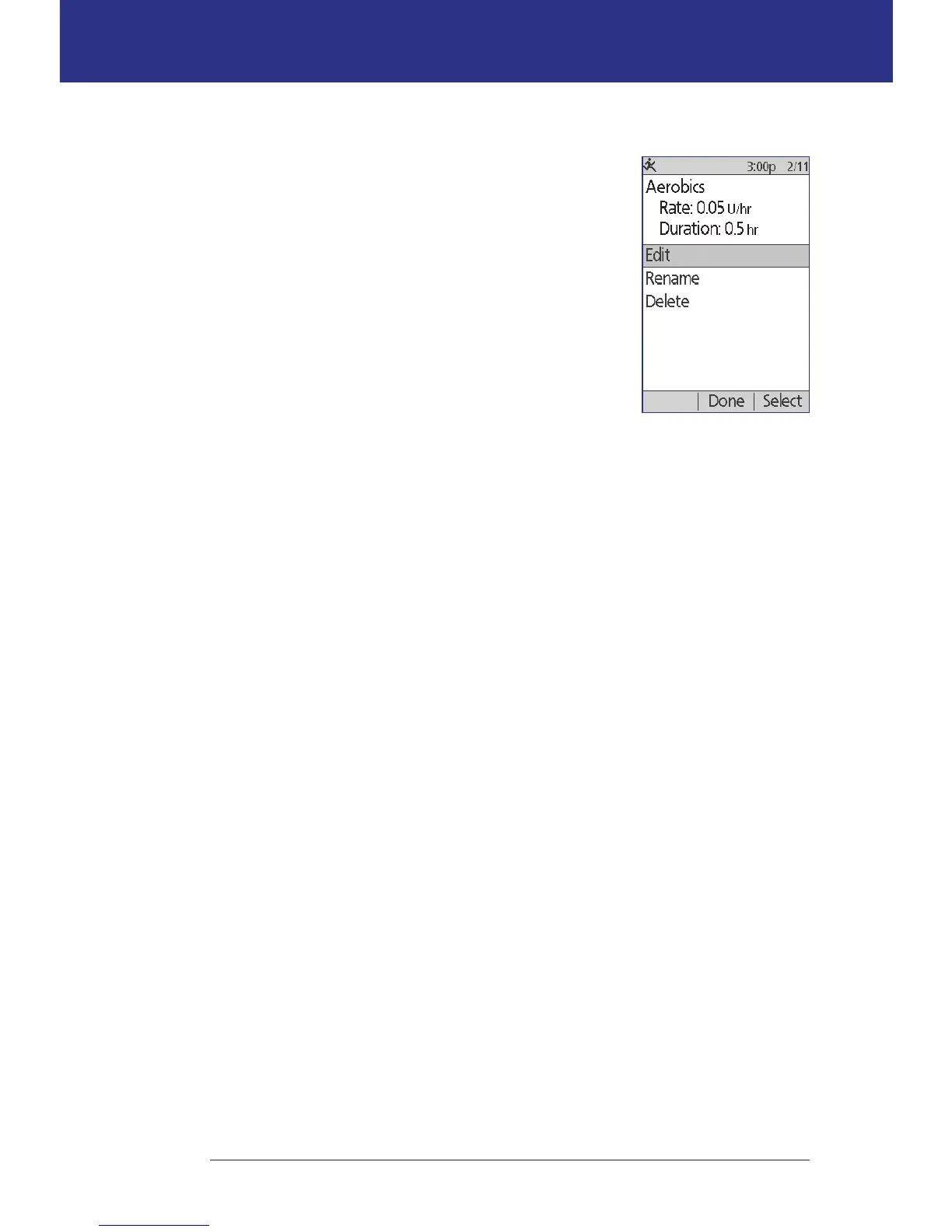
Edit or rename a temp basal preset
Note: You cannot edit a temp basal preset that is actively
running.
1. Home > Settings > Presets > Temp basal presets
2. Highlight the temp basal preset you would like to
change, scrolling down as needed if there is a long
list. Press Edit.
3. To rename the temp basal preset, select Rename,
then enter the new name (see "Entering text" on
page 6). Press Save.
4. To edit the temp basal preset:
a. Select Edit.
b. Change the temporary basal rate, if desired. Press Next.
c. Change the duration of the temp basal, if desired. Press Save.
5. Press Done to return to the temp basal preset screen.
Delete a temp basal preset
Note: You cannot delete a temp basal preset that is actively running.
1. Home > Settings > Presets > Temp basal presets
2. Highlight the temp basal preset you would like to delete, scrolling down as
needed if there is a long list. Press Edit.
3. Highlight Delete, and press Select.
4. Press Delete. e temp basal preset is deleted.



 To Next Page