1-32 MicroHAWK Engine Integration Guide
Save Configuration in ESP
Check for Updates
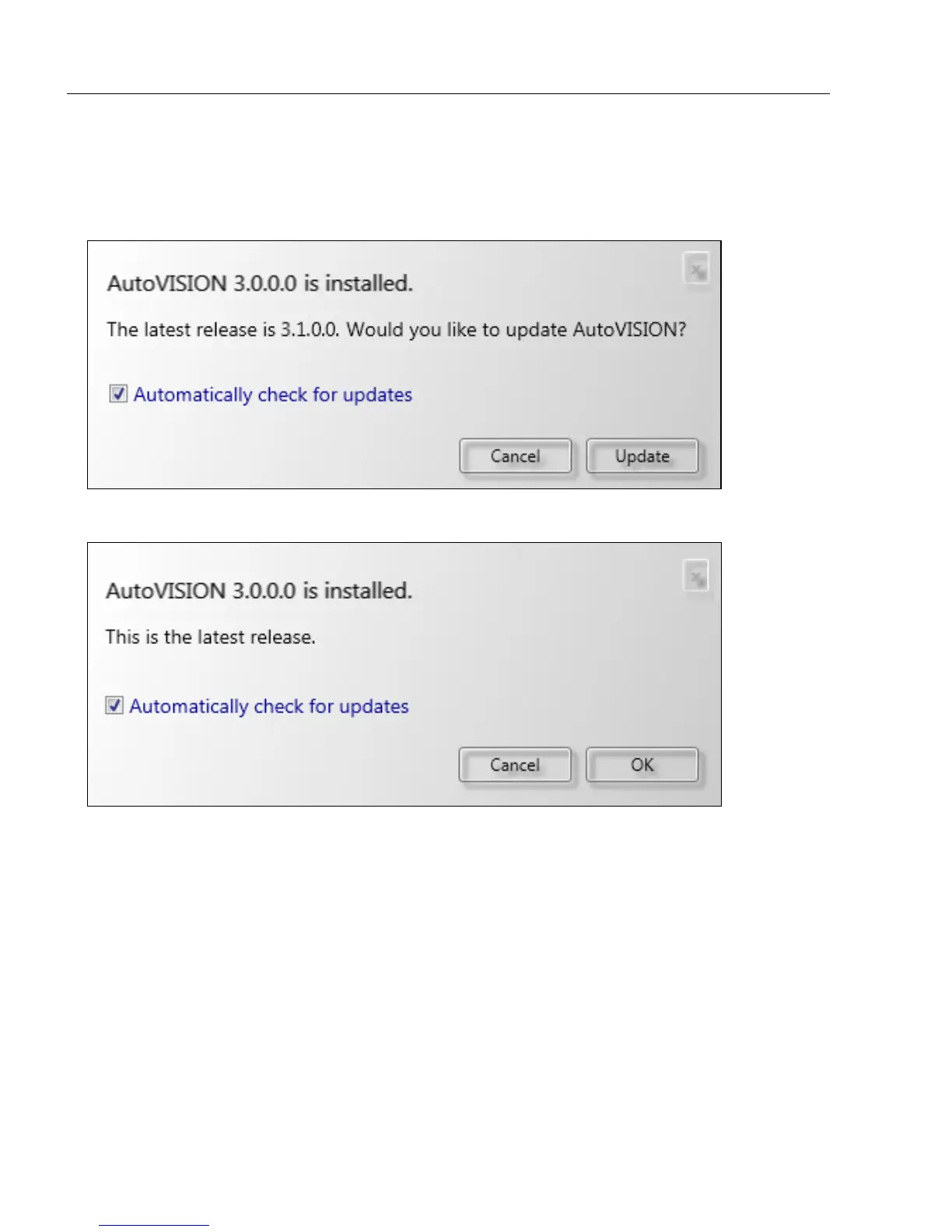
When you select Check for Updates from the Help dropdown, AutoVISION determines
whether or not you are running the most current version of the software. If your version of
AutoVISION is not current, the dialog below will appear.
If your version of AutoVISION is current, this dialog will be displayed:
If you check the Automatically check for updates box, AutoVISION will check for newer
versions of the software once a week. Every time you check for a newer version yourself,
AutoVISION's "check for updates" timer is reset.














 To Next Page