7-10 Operator’s Manual – OPTI CCA-TS
7 DIAGNOSTICS AND TROUBLESHOOTING
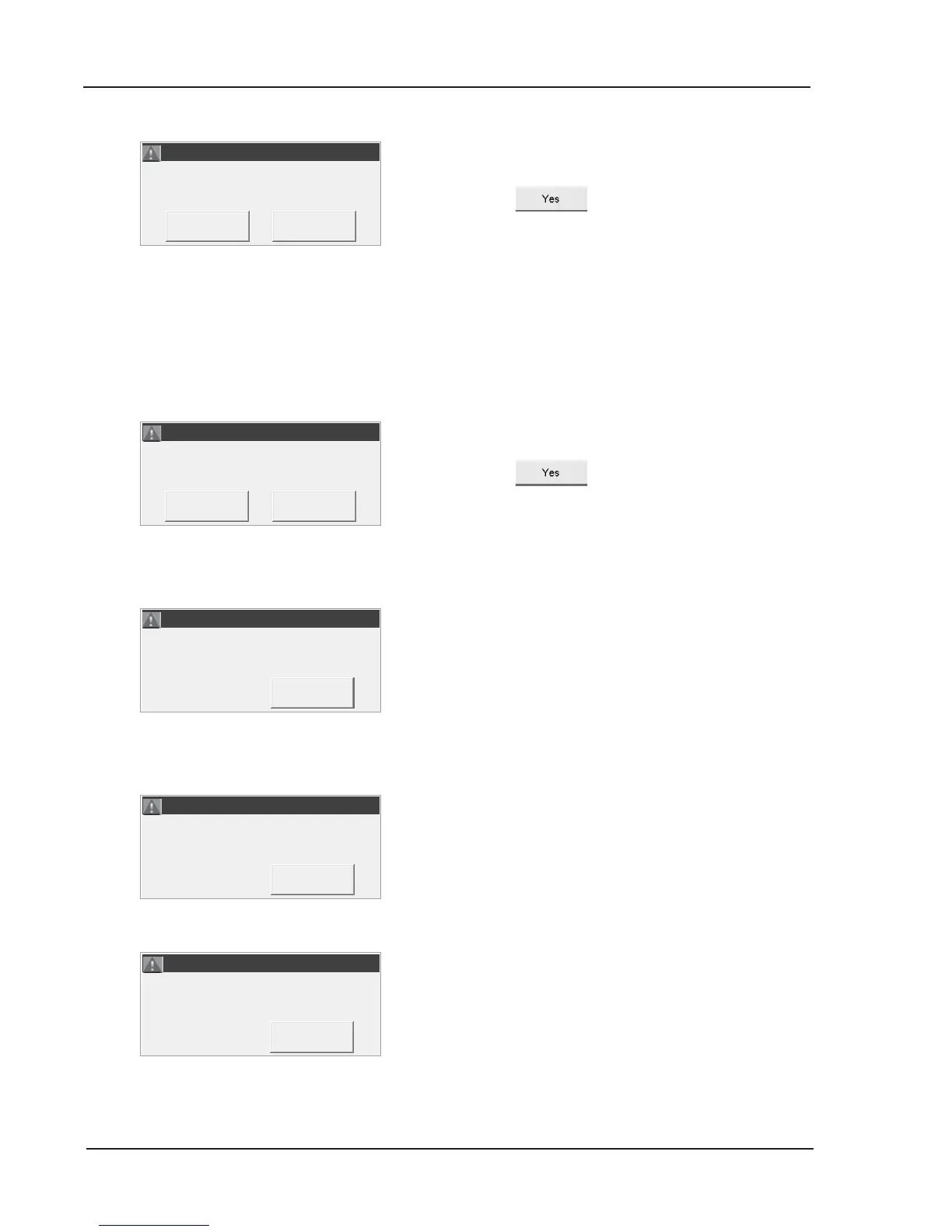
The OPTI CCA-TS received no response from the
host computer.
• Press
to retry.
If the problem persists:
• Check connection between the OPTI CCA-TS
and the host computer.
• Check the OPTI CCA-TS’s communication
conguration under <System -> Hardware>.
• Check the host computer.
The OPTI CCA-TS received a negative (NAK)
response from the host computer.
• Press
to retry.
If the problem persists:
• Check the host computer or contact the facility
IT manager.
This error may occur during Hb calibration.
The error is triggered, when the correction is greater
than 10%.
To retry:
• Replace the Hb calibrator.
The battery is low.
• Install a freshly charged battery or recharge for
up to 6 hours before the next sample is run,
or
operate the analyzer on AC power.
The battery is low.
• Install a freshly charged battery or recharge for
up to 6 hours before the next sample is run, or
operate the analyzer on AC power.
• Turn the power off, wait 30 seconds and then
turn the power back on.
Recharge and Cycle Power.
Recharge and Cycle Power.



 To Next Page