Operator’s Manual – OPTI CCA-TS 2-5
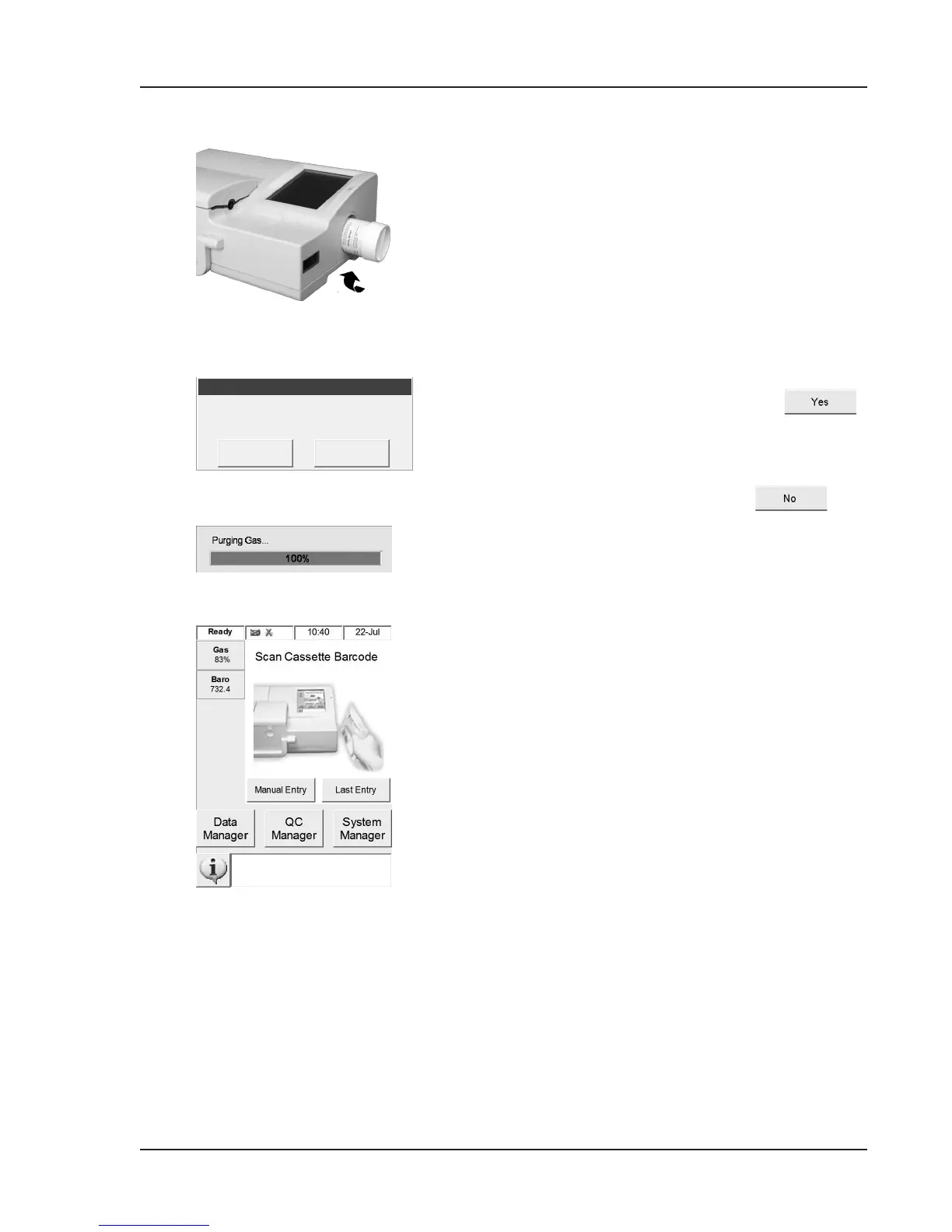
• Insert the gas bottle in its housing and turn
clockwise until ngertight (Fig. 2-9).
NOTE: The gas bottle expires 9 months after
installation or after exceeding the
labeled expiration date, whichever
comes rst.
NOTE: The bar code contains expiration
information. The OPTI CCA-TS will
alert the operator two weeks prior to
expiration of the gas bottle as a reminder
to order a replacement gas bottle.
• When this display appears, press
to install a new gas bottle.
NOTE: If after the initial installation you need
to remove a gas bottle and reinstall
the same bottle, respond
to the prompt <New Gas Bottle?>.
The next screen will prompt you to
enter the number of weeks in service
using the numeric keypad (See section
6.5.3). Here you may refer back to the
installation date, which was recorded on
the gas bottle.
The OPTI CCA-TS will now begin to warm
up and perform a gas purge, which will be
indicated on the status bar at the bottom of the
screen.
Once the warm-up is complete, the <Ready>
display appears (Fig. 2-10).
Fig. 2-9 Gas Bottle
Fig. 2-10 Ready screen



 To Next Page