2-6 Operator’s Manual – OPTI CCA-TS
6. Installing the Printer Paper
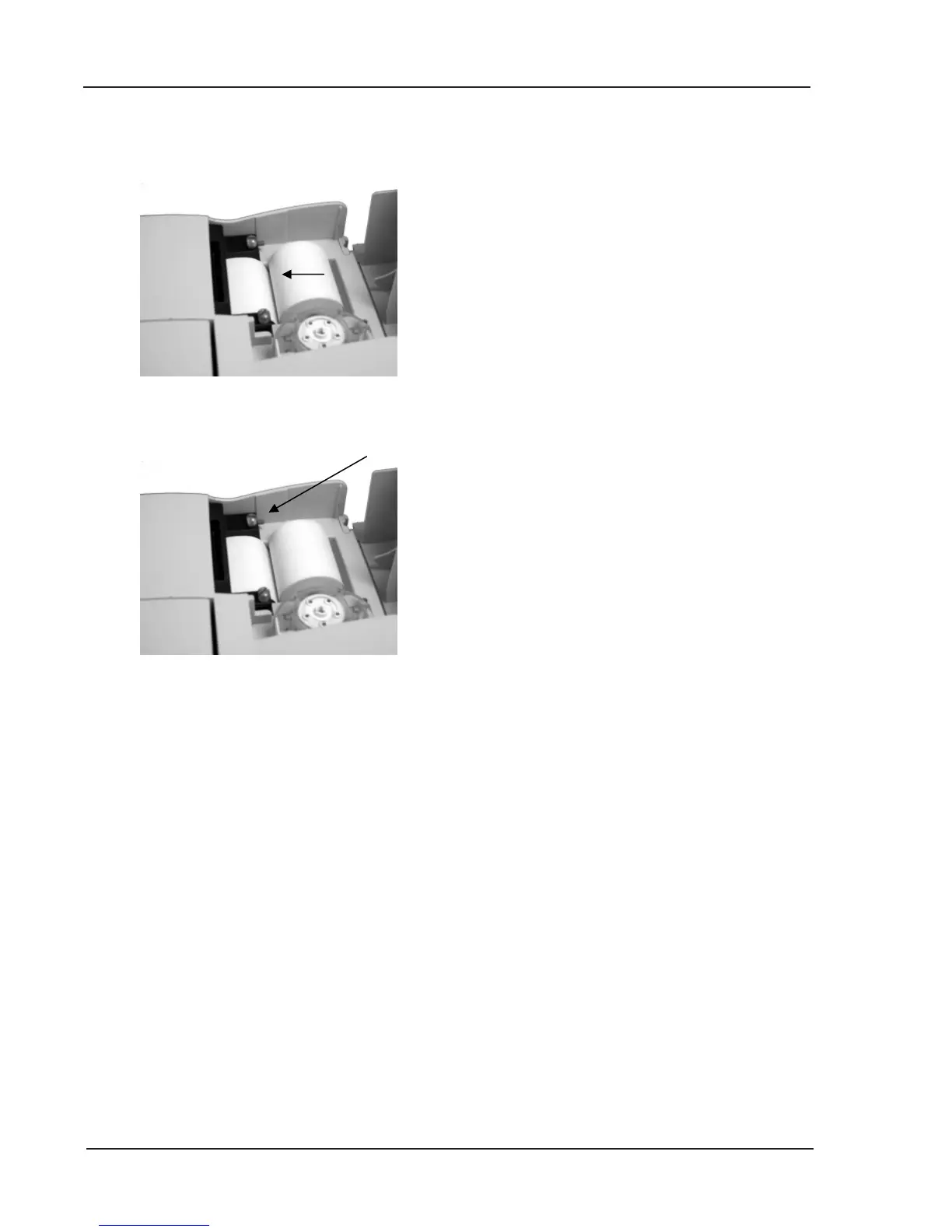
• Place paper into the paper tray.
• With the OPTI CCA-TS switched on, thread
the paper into the feeder slot, as shown in
the diagram, on the analyzer (Fig. 2-11).
• As soon as the printer detects the paper, it
will automatically feed the paper completely
through the printer. The paper advance
button should only be used if paper is
present.
• To advance paper after the initial
installation, press the red paper advance
button located on the left side of the printer
(Fig. 2-12).
NOTE: The red paper advance button is only
active when the printer detects paper in
the printer.
Fig. 2-11 Inserting Printer Paper
Fig. 2-12 Paper Advance Button



 To Next Page