4-12 Operator’s Manual – OPTI CCA-TS
4 CALIBRATION AND QUALITY CONTROL
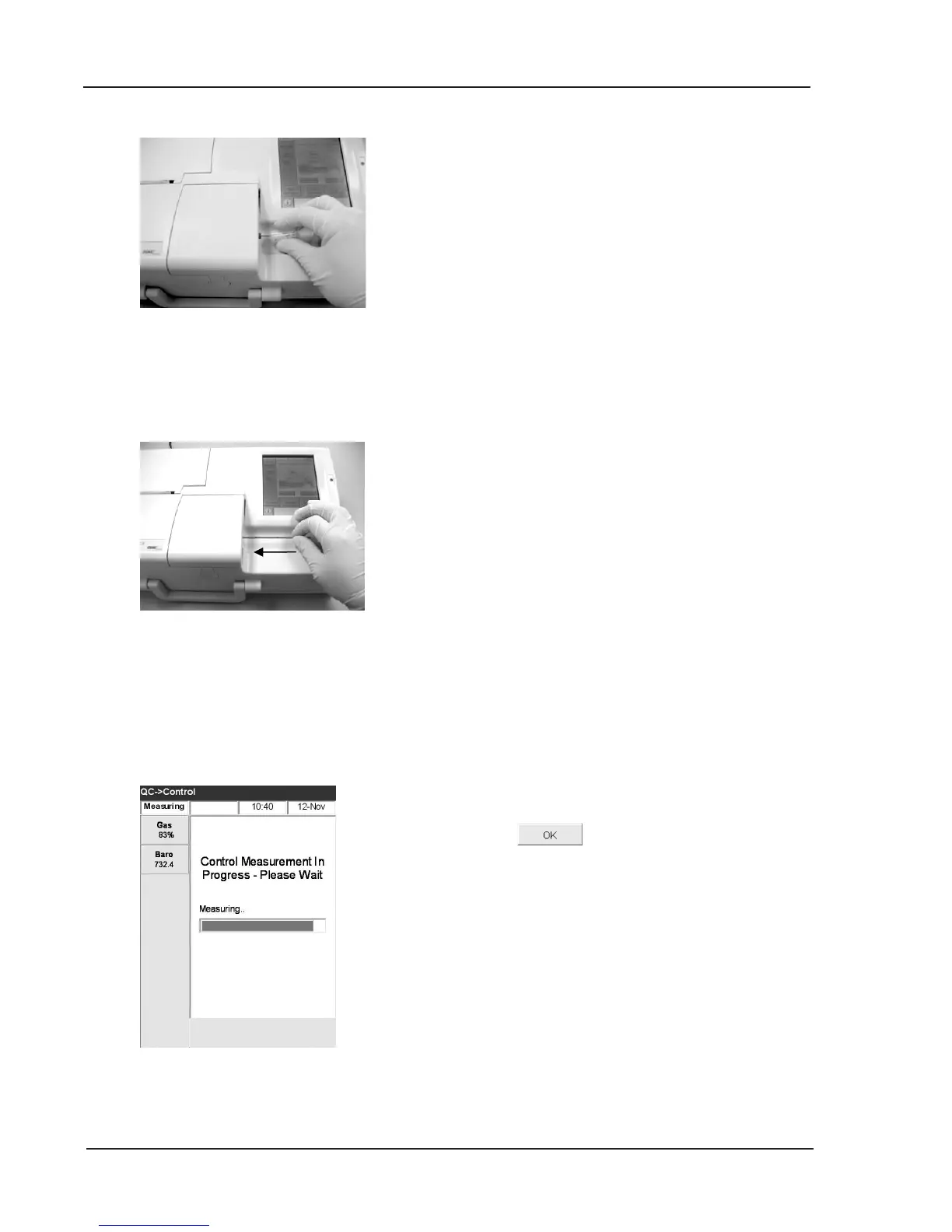
Fig. 4-25 QC Measurement
Fig. 4-24 Attach Capillary Tube
Fig. 4-23 Direct Aspiration
• Either aspirate directly from the ampoule or
use a capillary to withdraw a small amount
of control material from the ampoule for
aspiration.
13. Hold the ampoule at a 45° angle during
aspiration (Fig. 4-23). Use a new ampoule for
each sample.
14. If using capillary tubes, push the tube rmly into
the llport (see Fig. 4-24).
15. Press . The QC sample is aspirated
into the cassette and the measurement starts
(Fig. 4-25). At this time the status light begins
ashing green indicating that the cover should
not be opened.



 To Next Page