V–36
Initial Setting: No. 10 (Level 0) <
>
Key operation is used to perform the initial setting.
Initial setting details are as follows.
1) Initial setting display (Level 0)
Displays selection of the initial setting at the menu.
2) Initial setting item select operation (Level 1)
Pressing the SET (S007) key in the initial setting display mode activates the following display.
Example:
(Example: With system address 1)
Operating the UP (S005) and DOWN (S006) keys in this mode makes it possible to select the settings for
system address, outdoor unit address, number of outdoor unit connected, number of indoor unit connected,
format, gas type, old refrigerant indoor unit compliance, engine, heating automatic address, and cooling
automatic address.
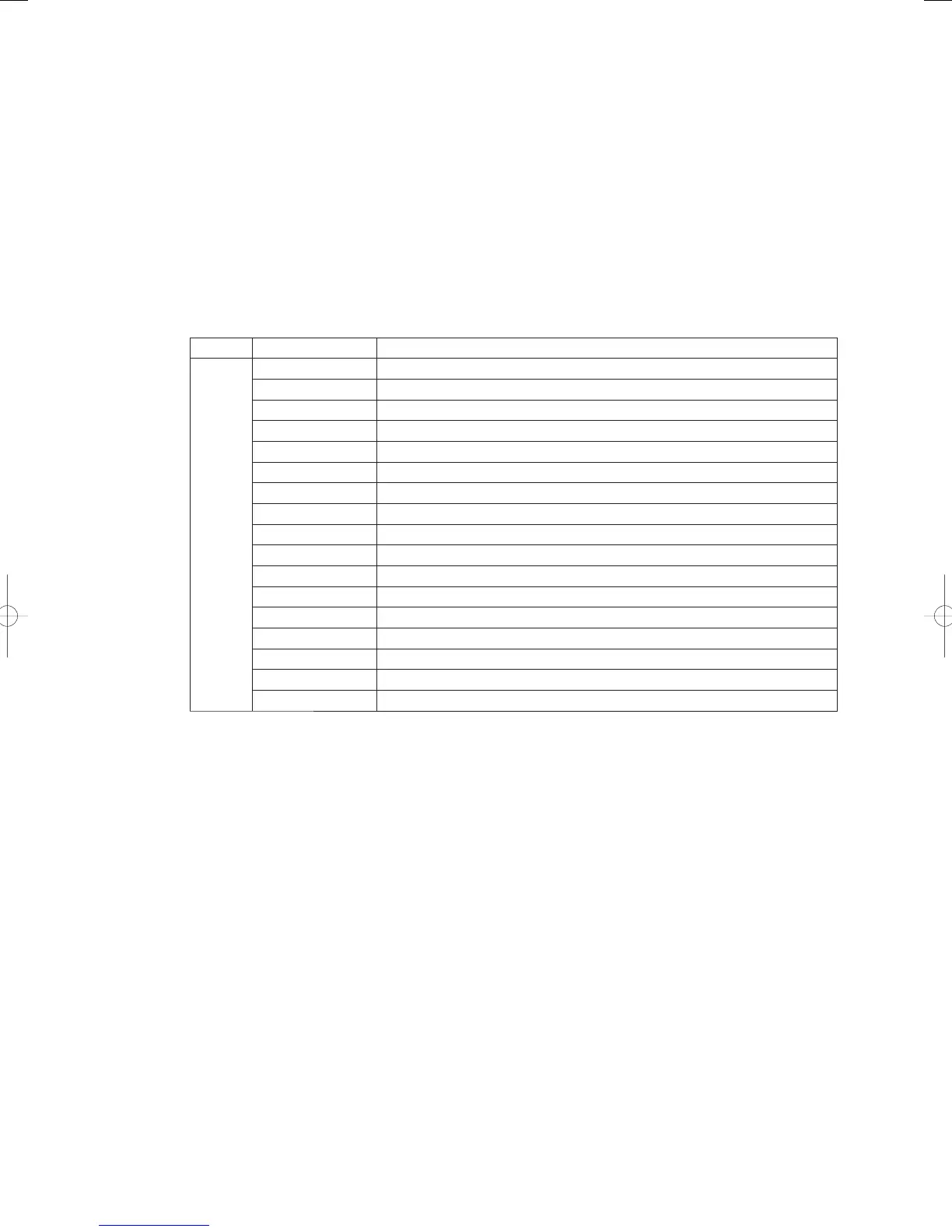
Display Function
↑Down
↓Up
System address setting
Outdoor unit address setting (W-Multi only)
Number of outdoor units connected setting (W-Multi only)
Number of indoor units connected setting
Outdoor unit model displays
Gas type setting
Refrigerant setting (must not be amended) *1
Generator setting
Model setting 1 (must not be amended) *1
Model setting 2 (must not be amended) *1
Destination setting 1 (must not be amended) *1
Hot water setting
Oil change time display setting
Single-phase setting
Tube connection confi rmation (W-Multi only)
Heater auto-address setting
Cooler auto-address setting
*1 Settings
,
,
and
are set at the time of shipment and must not be amended as
a basic principle. If the values differ after replacing the non-volatile memory or clearing the memory, etc.,
reset the values to those listed above.
GHPtroubleshooting.indbV‒36GHPtroubleshooting.indbV‒36 2012/11/2611:20:212012/11/2611:20:21















 To Next Page