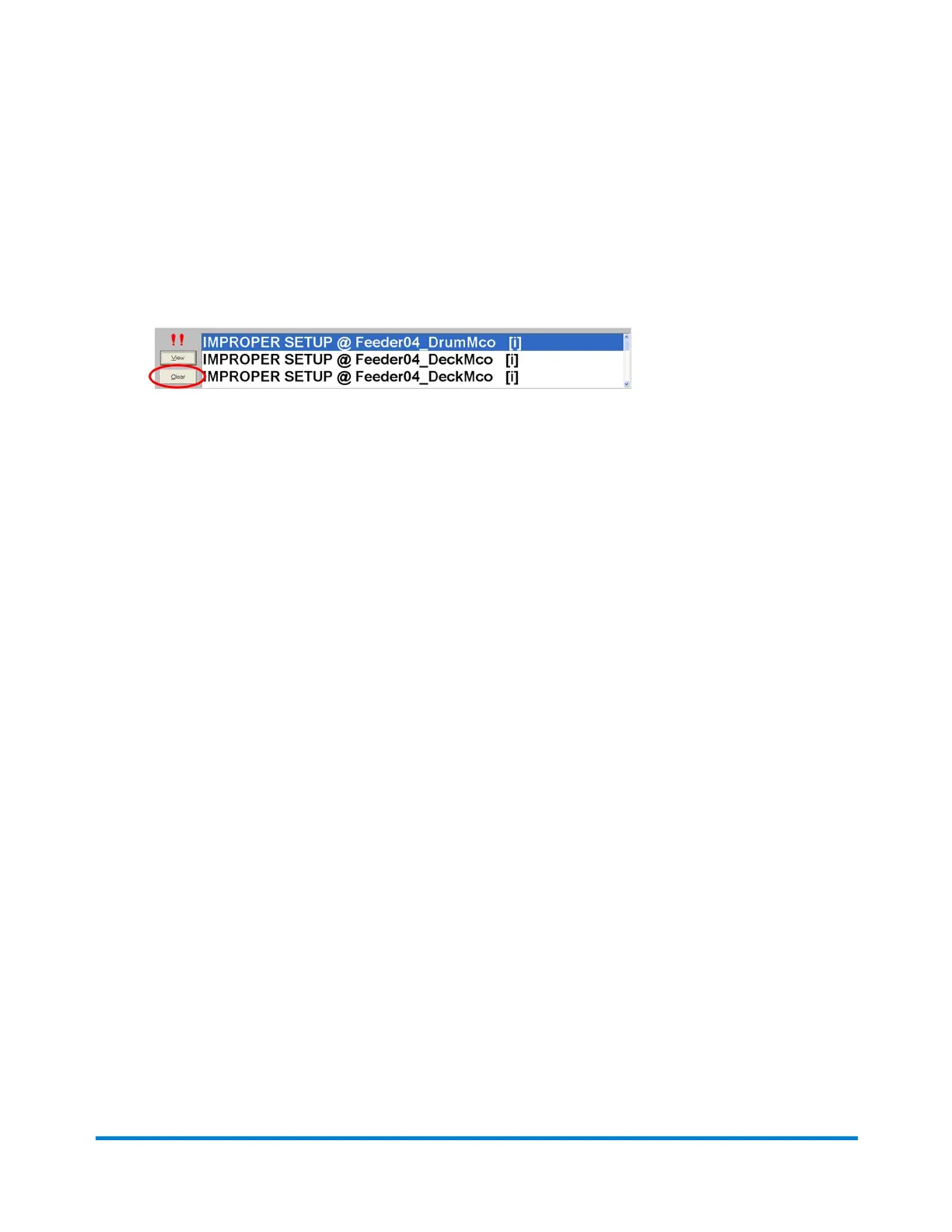
Resolve and Clear Alarms
1. Afteryoureviewthedetails,closetheAlarmHistorywithdetailsdialog.
2. Taketheappropriateactiontoresolvetheerror.
3. ClickClearontheAlarmmessageboxatthebottomofthescreentoclearthealarm.
4. ClickStartonthemainDCmainscreentostartrunningagain.
5. Iftheerrorstilloccurs,repeattheerrorrecoveryprocess.
6. Ifafterrepeatingtheprocesstheerrorremains,contactService.
Error Recovery
Pitney Bowes Epic Select Operator Guide December,2017 Page 193 of 288



 To Next Page