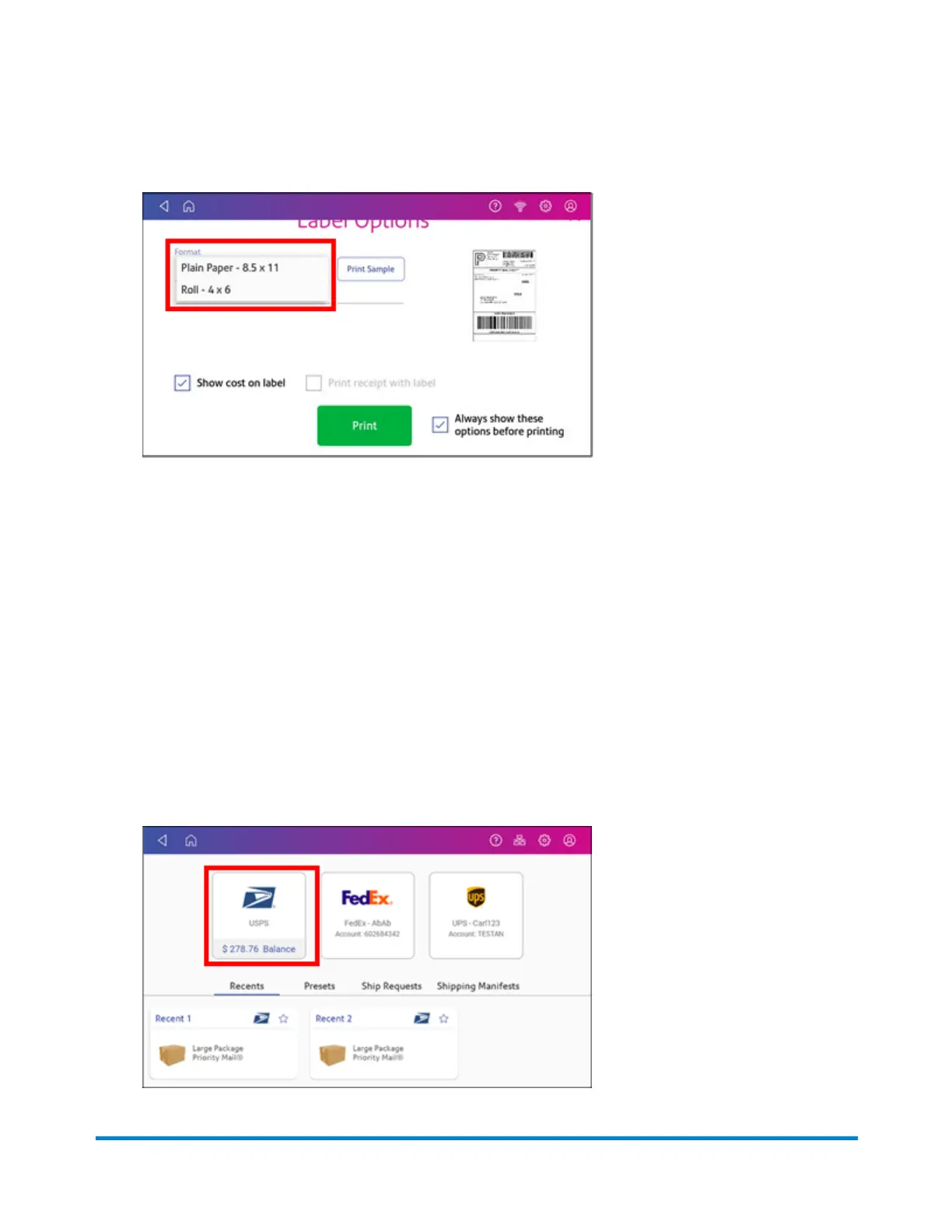
15. On the Label Options screen, tap Format and select the printer format.
16. (Optional) Tap Print Sample to print a sample label.
17. Tap Print again and the label prints.
l
You may need to enter the Sender and Recipient's phone number, as it is required for some
services.
18. The carrier screen reappears.
Comparing rates when printing a shipping label
If you have SendPro application software version 2.0.061R or later, your system allows you to
compare the shipping rates of different carriers for every mailpiece or package.
1. Tap Create Shipping Labels on the Home screen.
2. Tap the carrier you wish to use.
Printing Shipping Labels
Pitney Bowes Operator Guide April 2022 100












 To Next Page