Printing a shipping label
Use Create Shipping Labels to get the best pricing, free tracking, and detailed delivery history for
USPS package services. You can also send via UPS® or FedEx®. The packaging options and
benefits are almost identical.
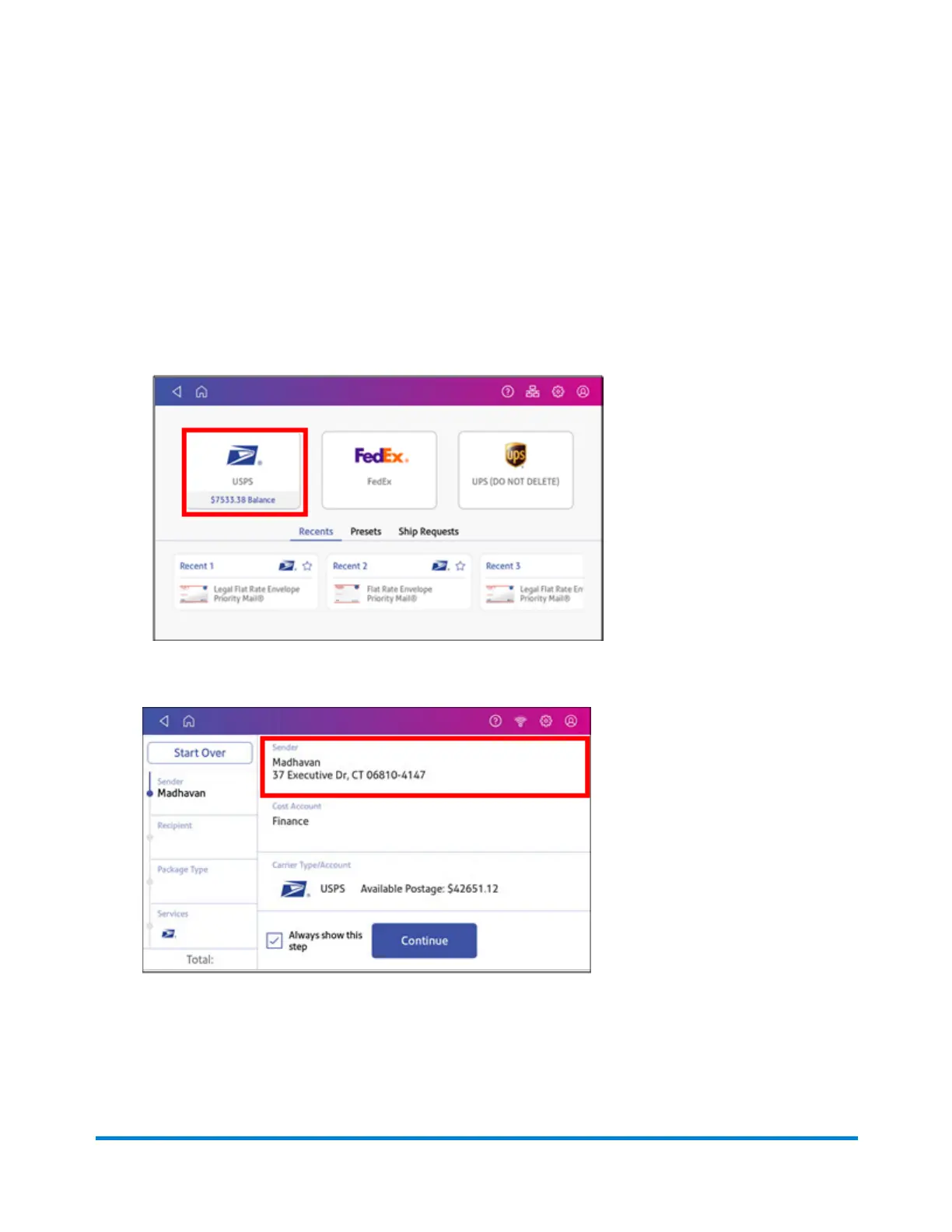
1. Tap Create Shipping Labels on the Home screen.
2. Tap the carrier you wish to use.
3. Verify that the sender address is correct. If not, tap on the Sender field and select a new
address.
Quick start guide
Pitney Bowes Operator Guide April 2022 26












 To Next Page