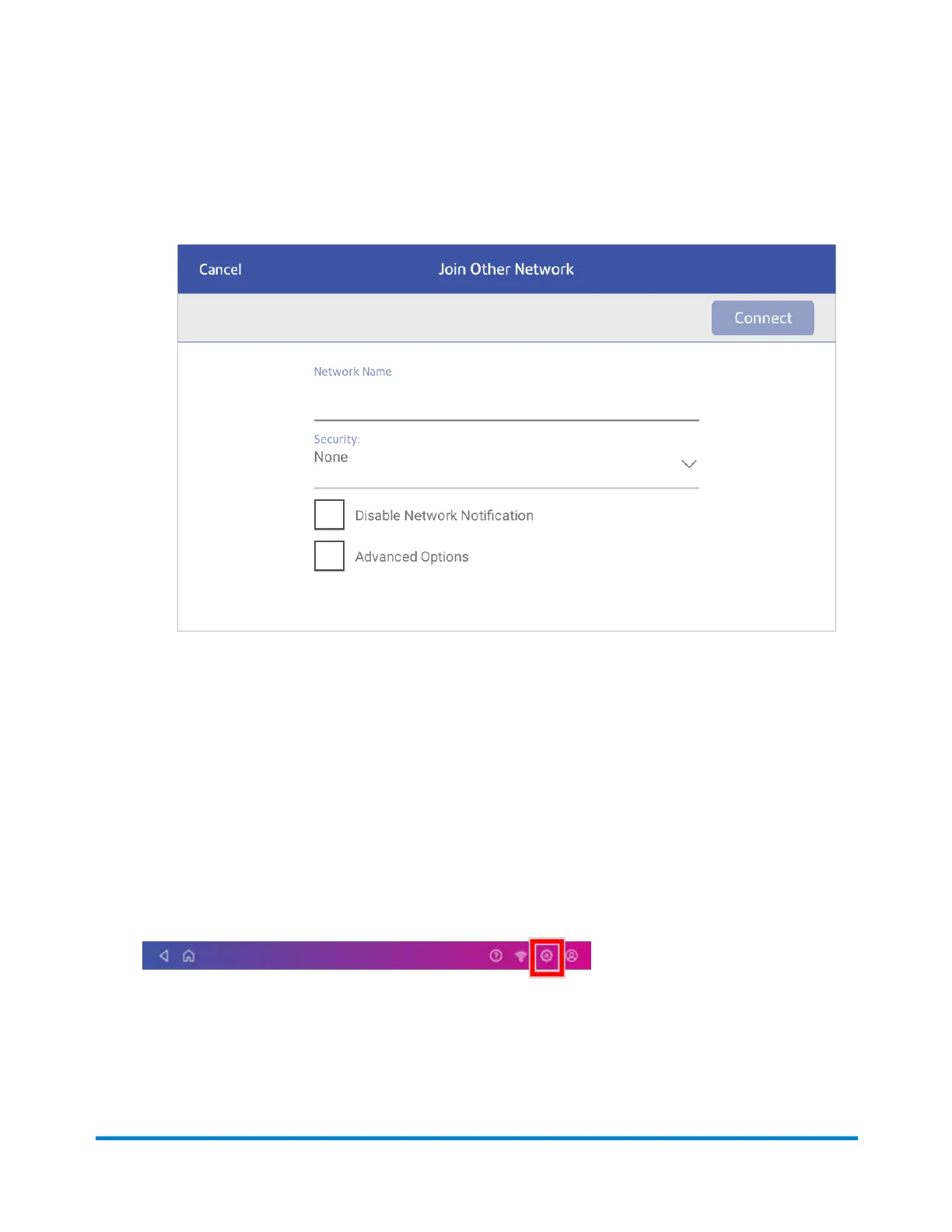
4. For each of the following steps, please consult with your IT department to obtain the necessary
information.
a. Tap the down arrow in the Security field and select the security method.
b. Tap Advanced Options to enter a static IP or set up a proxy.
5. Tap Connect when done.
Forgetting a Wi-Fi network
Forget a Wi-Fi network if:
l
You do not want your device to automatically connect to that network or
l
You need to resolve a wireless network issue.
1. Tap Settings.
2. Tap Wi-Fi in the Device & Network section.
Connectivity information
Pitney Bowes Operator Guide April 2022 67












 To Next Page