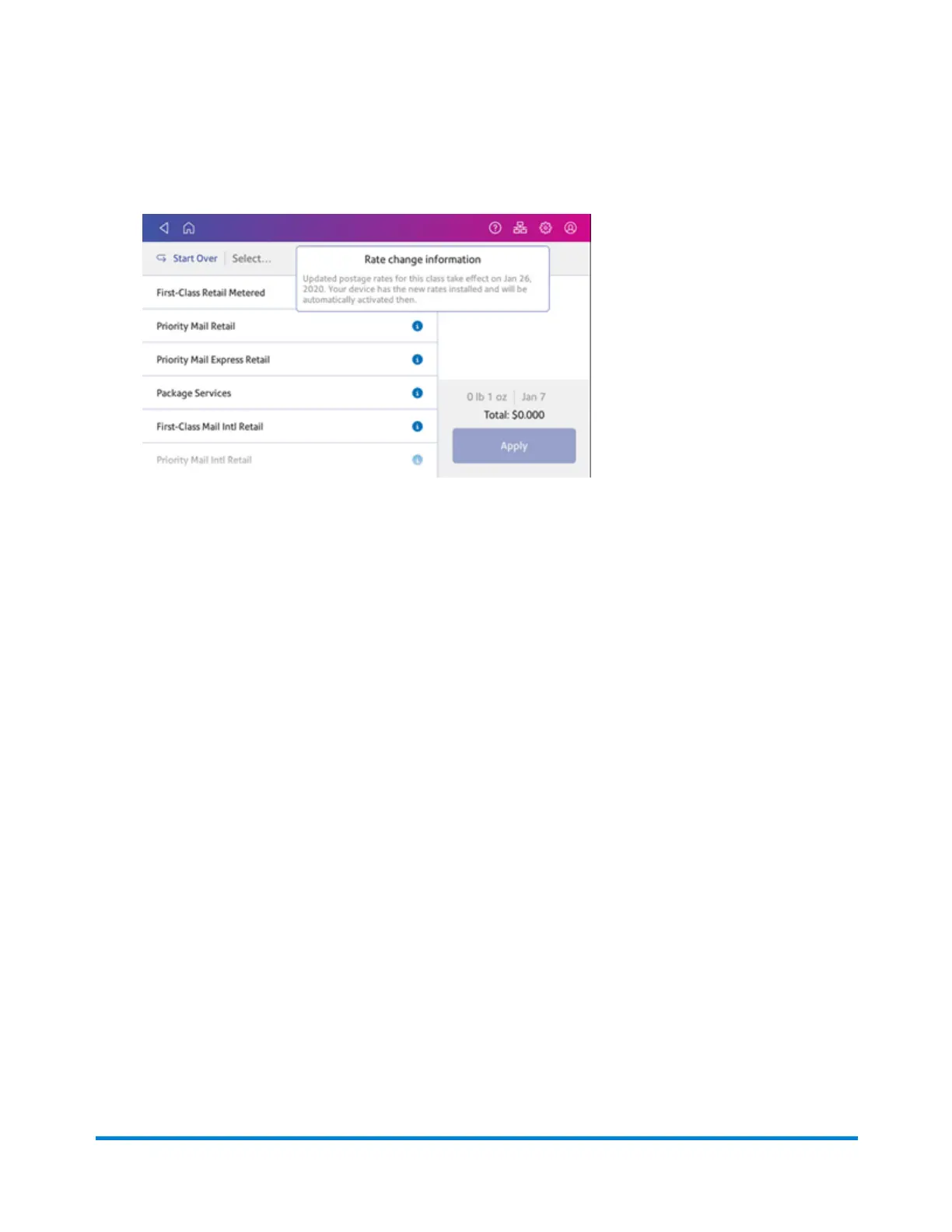
4. Tap the information icon (i) next to the class you wish to check, for example First-Class Retail
Metered. The rate change information appears for the class.
Setting the low funds warning for printing postage
Set the low funds warning to warn you when your available funds for printing postage reaches a
certain amount. Use this warning as a reminder to add more postage to your device.
1. Tap Envelope Printing on the Home screen.
2. Tap Postage Balance.
3. Tap Refill Settings.
4. Tap Low postage threshold.
5. Tap back on the keypad to remove the existing amount.
6. Enter the new amount.
7. Tap Apply.
8. Tap back to return to the Envelope Printing app.
Setting up a mailer ID
Your mailer ID is a 9-digit number that you need when using Electronic Return Receipt (ERR). To get
your mailer ID, submit Form 5053, Bulk Proof of Delivery to the USPS.
Managing Printing on Envelopes
Pitney Bowes Operator Guide April 2022 166












 To Next Page