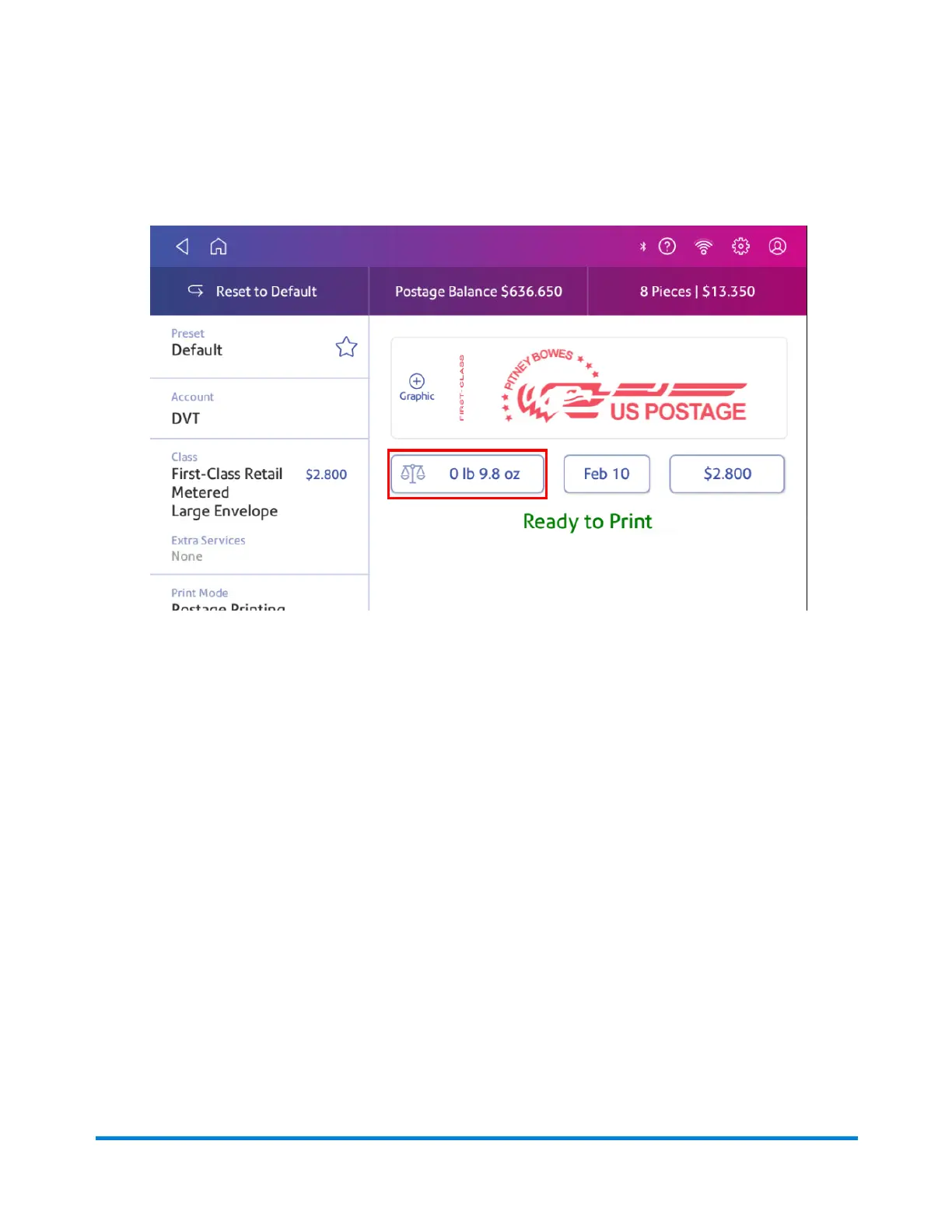
1. Tap Envelope Printing on the Home screen.
2. Tap Weight.
3. Tap Manual.
4. Enter the pounds and ounces.
5. Tap Apply.
6. Tap Class.
7. Tap Start Over to see all the class options.
8. Select the class and any special services required.
9. Tap Apply.
10. Place the envelope or envelopes on the feed deck. Depending on the SendPro C model you
have, feed the envelopes manually or tap Start to feed the envelopes.
Using the scale when printing postage
Use the scale to weigh your mail and calculate the correct postage for you.
Printing on envelopes
Pitney Bowes Operator Guide April 2022 150












 To Next Page